Aspect Ratio
Aspect ratio is the ratio of an image's width to its height, expressed as two numbers such as 16:9, 1:1, or 9:16, which fixes the shape of the frame independent of its pixel size.
June 16, 2026
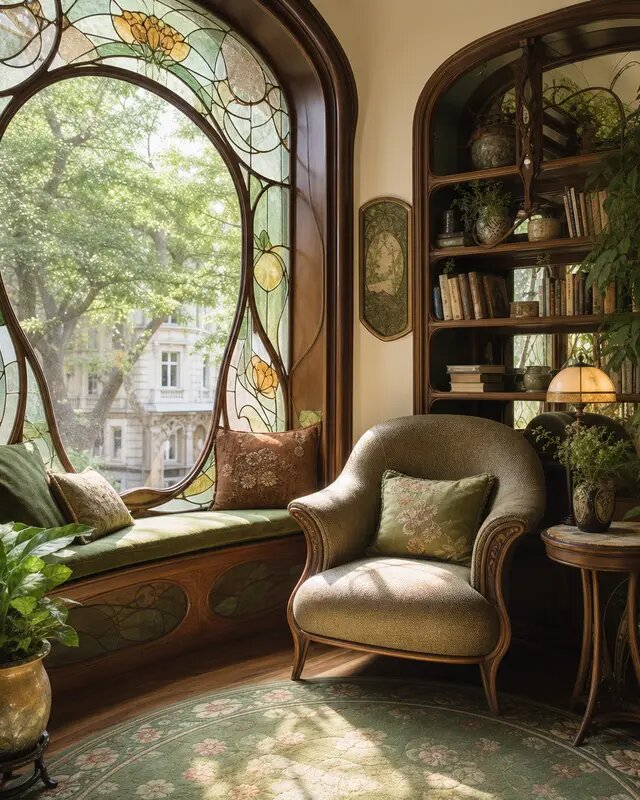
Aspect ratio is the proportional relationship between an image's width and height, written as a pair of numbers such as 16:9, 1:1, or 9:16.
How it works
An aspect ratio describes shape, not size. The notation W:H states how many units of width correspond to a given number of units of height. A 16:9 frame is wider than it is tall (landscape); a 9:16 frame is taller than it is wide (portrait); 1:1 is a perfect square. Because the ratio is independent of resolution, the same 16:9 shape can be a small 1280×720 image or a large 3840×2160 one — both reduce to 16:9.
In AI image generation, you choose the aspect ratio before the model renders, because it determines the dimensions of the canvas the model composes within. The model arranges the subject, framing, and background to fit that shape, so a portrait prompt and a landscape prompt with identical wording can produce noticeably different compositions.
Why it matters
Each platform and use case expects a particular shape. Phone screens and vertical video are 9:16; YouTube, monitors, and most web heroes are 16:9; print and many feed posts favor 1:1 or 4:5; cinematic stills often use 21:9. Picking the right ratio up front avoids awkward cropping that cuts off heads, logos, or key detail. It also influences storytelling — wide ratios suit landscapes and establishing shots, while tall ratios suit full-body portraits and mobile-first content.
In eaxy
In eaxy you set the aspect ratio with a single control before generating, so your image or video is born in the exact shape you need — 9:16 for Reels, 16:9 for YouTube thumbnails, 1:1 for profile art — and exports cleanly at up to 4K without re-cropping.
Related terms
Frequently asked questions
What does aspect ratio mean in AI image generation?+
It is the width-to-height ratio of the output you ask the model to produce. Setting it before you generate tells the model the shape of the canvas to fill — square, landscape, or portrait.
What is the best aspect ratio for social media?+
Use 1:1 or 4:5 for Instagram feed posts, 9:16 for Stories, Reels, and TikTok, and 16:9 for YouTube and most landscape video and web banners.
Does changing aspect ratio change image quality?+
No. Aspect ratio sets the shape of the frame, not the resolution. Quality depends on the pixel dimensions and the model, so a 1:1 and a 16:9 image can both be 4K.
Can I change aspect ratio after generating an image?+
You can crop to a tighter ratio, but widening the frame means adding new content. The cleanest result comes from setting the right aspect ratio before you generate.
Make it with eaxy
Describe anything and generate stunning images in seconds — then bring them to motion with Kling 3.