Outpainting
Outpainting is an AI editing technique that extends an image past its original borders, generating new content that blends with the scene.
June 16, 2026
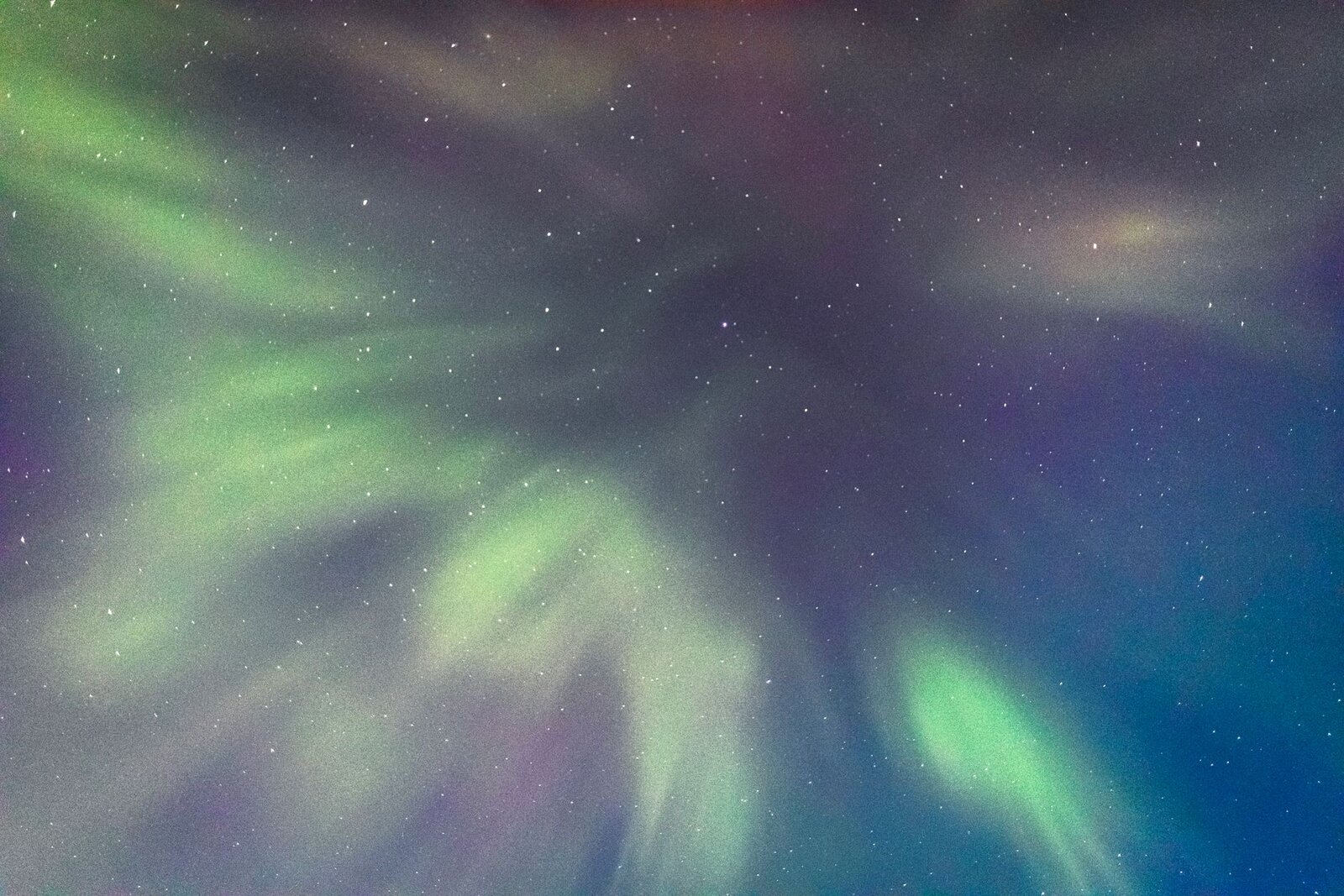
Outpainting is an AI editing technique that extends an image beyond its original borders, generating new surroundings that match the existing scene's lighting, perspective, and style.
How it works
You start with an existing image and define a larger canvas around it. The model then generates the empty new area, using the original pixels at the edge as context so the extension flows seamlessly from what was already there. A diffusion process fills the blank region step by step, guided by the visible content and, optionally, a text prompt describing what should appear in the new space. Because the model anchors on the original edges, the added sky, walls, floor, or background continues the same lighting direction, color palette, and depth — making the bigger image read as a single coherent scene rather than a collage.
Why it matters
Outpainting solves a common problem: a great image that is framed too tightly or in the wrong shape. Instead of cropping and losing your subject, you expand outward — adding headroom, widening a landscape, or reframing a portrait into a banner. It is the standard way to change aspect ratio without distortion or loss, which makes one image reusable across formats like a square post, a wide hero, and a vertical story. The main limit is that very large extensions invent more content, so results are most reliable when you add a moderate margin and guide it with a prompt.
In eaxy
eaxy lets you generate at the aspect ratio you need from the start — square, wide, vertical, and more — so you often get the framing you want directly from the prompt. Understanding outpainting helps when you need to reframe an existing favorite: you can regenerate at a new ratio or build out from a strong base image, then export at high resolution.
Related terms
Frequently asked questions
What is outpainting?+
It is an AI editing technique that generates new content beyond an image's original edges, expanding the canvas while keeping the new surroundings consistent with the existing scene.
How is outpainting different from inpainting?+
Outpainting adds content outside the original image boundaries to make it bigger. Inpainting changes content inside the existing image.
What is outpainting used for?+
Widening a composition, changing aspect ratio without cropping, adding headroom or background, or turning a tight shot into a full scene.
Will the extension match my image?+
Yes — the model uses the existing pixels as context, so the new area follows the same lighting, perspective, and style, though a prompt helps guide it.
Make it with eaxy
Describe anything and generate stunning images in seconds — then bring them to motion with Kling 3.