AI Images for Real Estate Listings
Turn an empty room or a plain description into listing-ready hero shots, staged scenes, and lifestyle visuals in minutes.
June 16, 2026
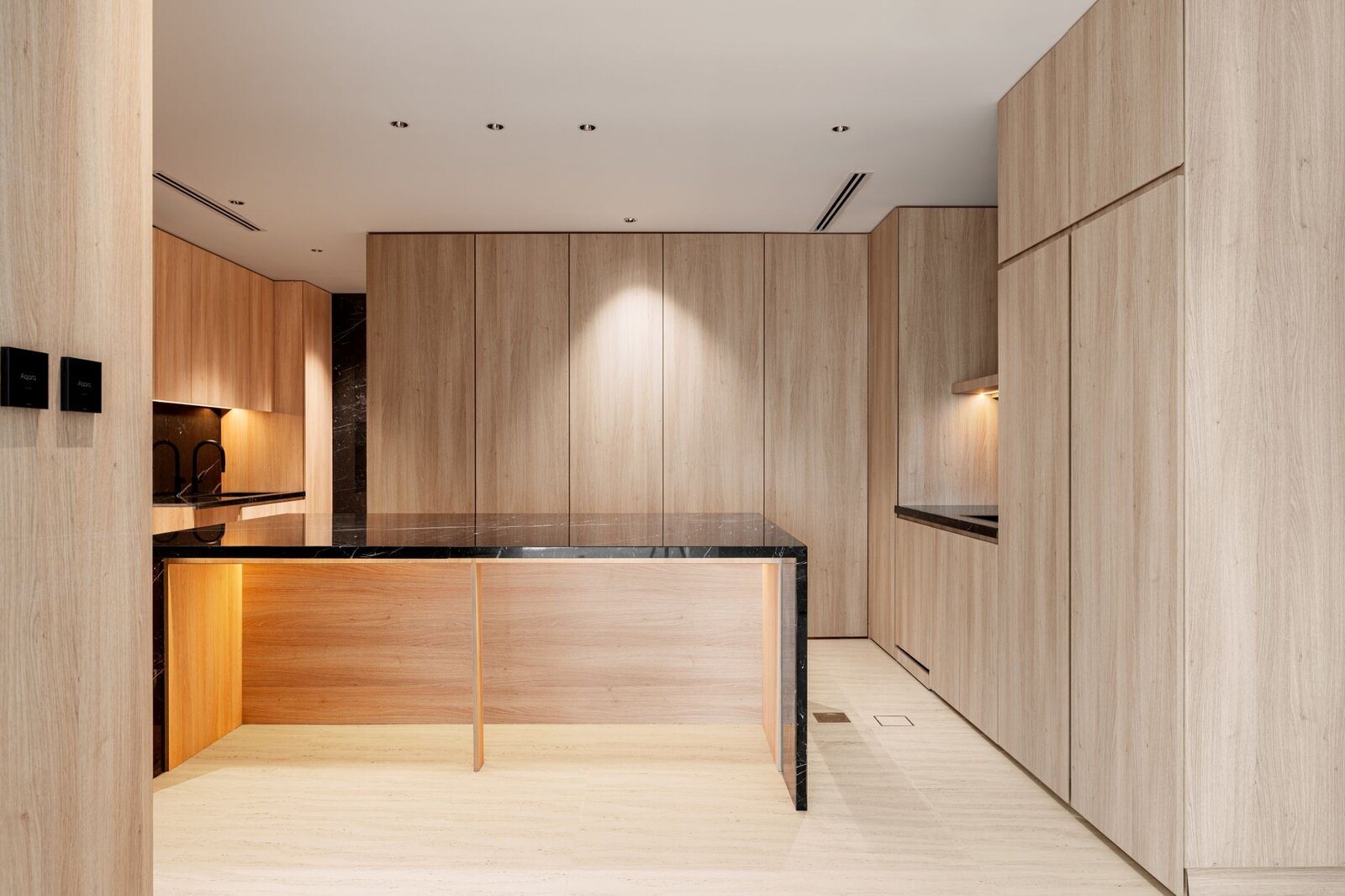
Real estate listings live or die on the first image. With eaxy you can generate polished listing hero shots, virtual staging-style room scenes, and neighbourhood lifestyle visuals from a photo or a plain description. You describe the outcome you want; eaxy's Smart Routing sends each task to the best-fit model and returns clean, listing-ready results at up to 4K.
What you can create for a listing
- Hero shots — a bright, inviting cover image of the home's best angle, the one that earns the click in search results.
- Virtual staging-style room scenes — an empty bedroom, living room, or kitchen rendered as a furnished, lived-in space so buyers can picture themselves there.
- Neighbourhood lifestyle visuals — cafe corners, tree-lined streets, parks, and sunset skylines that sell the location, not just the floor plan.
- Twilight and golden-hour variants — warm exterior renders that make a daytime photo feel premium.
- Detail and amenity shots — a styled reading nook, a set dining table, a tidy home office to round out the gallery.
How eaxy's Smart Routing helps
Different shots need different strengths. A photoreal exterior, a cosy interior, and a graphic neighbourhood map are not the same job. Instead of forcing one model to do everything, Smart Routing reads what you asked for and routes it to the model that does it best — a SOTA diffusion engine such as Seedream, Flux, or an Imagen-class or GPT-image-class model.
You never chase the latest release or read benchmark threads. eaxy keeps the lineup current, so when a stronger model ships, your prompts simply start landing on it. You stay focused on the listing.
How to create real estate images with eaxy
- Create an account and open the AI Image Generator.
- Upload a reference photo of the room or exterior, or start from a text description if you are mocking up a concept.
- Describe the outcome in plain words: "bright modern living room, warm afternoon light, mid-century furniture, neutral palette."
- Generate, compare options, and refine. Adjust lighting, furniture style, or framing in a follow-up prompt.
- Export at up to 4K for your MLS listing, brochure, or social post.
If you want sharper prompts, the AI image prompting guide covers how to phrase lighting, lens, and mood so the model gives you what you pictured.
Hero shots that earn the click
Your cover image competes against dozens of others in a results grid. Aim for one clear focal point, natural light, and a clean foreground. Useful prompt cues:
- Time of day: "golden hour," "soft overcast," "warm twilight glow."
- Framing: "wide-angle corner view," "straight-on facade," "eye-level living room."
- Mood: "airy and bright," "cosy and lived-in," "minimal and calm."
Keep the home itself honest. Use AI to present the property at its best, not to invent features it does not have.
Virtual staging-style room scenes
Empty rooms feel cold and read smaller than they are. A furnished render helps buyers connect. Upload the empty room, then describe a style: "Scandinavian living room, light oak floors, linen sofa, plants by the window." Generate a few directions — modern, traditional, family-friendly — so you can match the likely buyer. Because these are staging-style renders, treat them as enhanced visuals and disclose where your local rules require it.
Neighbourhood and lifestyle visuals
Buyers buy a life, not just square footage. Lifestyle visuals fill the gap between the property gallery and the location story:
- A morning-coffee cafe scene for a walkable downtown listing.
- A leafy park or playground for a family neighbourhood.
- A skyline or waterfront view for a premium urban unit.
These pair well with ad creatives when you promote the listing, and the same workflow that styles a product shot styles a staged interior — clean light, considered composition.
Take the listing further
Once you have a strong hero, animate it into a short walkthrough with image-to-video — a slow pan across the living room or a gentle reveal of the facade — routed to a video engine like Kling 3.0 or Veo 3.1 based on the motion you describe. You can also generate concept exteriors from scratch with text-to-image when staging a new build or a renovation pitch.
Ready to build a gallery that sells? Create an account or see pricing — the Pro plan includes the commercial license you need to publish across MLS, ads, and print.
Frequently asked questions
Can I use AI listing images commercially?+
Yes, on Pro and above. The Pro plan includes a commercial license, so you can use the images in MLS listings, brochures, ads, and social posts. Starter is for personal use and evaluation only, and there is no free tier.
How high-resolution can the images be?+
eaxy generates up to 4K, which is enough for full-bleed listing heroes, printed flyers, and large web banners. You can downscale for thumbnails without losing detail.
Do AI room scenes count as virtual staging I can disclose?+
They are virtual staging-style renders. Treat them like any staged or enhanced photo: keep the underlying property accurate and disclose enhancement where your local rules require it. eaxy helps you visualise furnished potential, not misrepresent the home.
Which model does eaxy use for real estate images?+
You do not pick a model. eaxy's Smart Routing sends each task to the best-fit SOTA diffusion model, such as Seedream, Flux, or an Imagen-class or GPT-image-class engine, and keeps the lineup current as new models ship.
Can I turn a listing photo into a short walkthrough video?+
Yes. Use image-to-video to animate a hero shot or staged scene into a slow pan or reveal. eaxy routes video tasks to engines like Kling 3.0, Veo 3.1, or Seedance 2.0 depending on the motion you describe.
Make it with eaxy
Describe anything and generate stunning images in seconds - then bring them to motion with the best AI video models.