Best AI Image Styles in 2026
The AI image styles worth knowing in 2026 — what each look is good for and how to get the most from it.
June 16, 2026
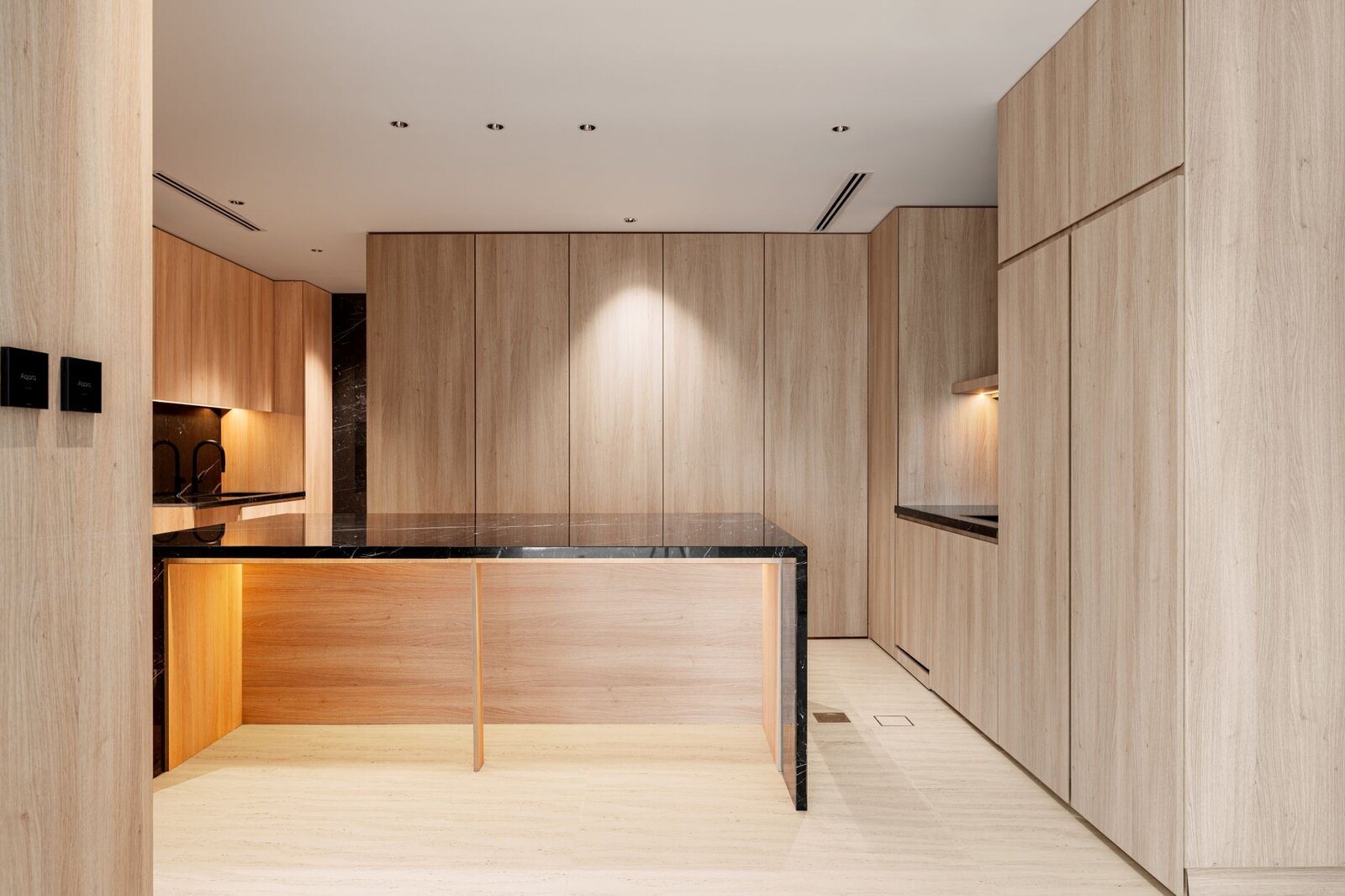
AI image styles are curated looks — portrait, product, cinematic, anime and more — that apply a consistent set of lighting, color and rendering choices to your prompt. Choosing the right style is often the fastest way to make an image look intentional instead of generic. Here are the styles worth knowing in 2026 and when to reach for each.
Why style matters more than ever
The base models behind AI images keep getting better, which means the bottleneck has shifted from "can the model render it?" to "does it look like you meant it?" That's what styles solve. Instead of writing a long technical description of a camera, lens, film stock and color grade, you pick a pack that encodes all of that — and spend your words on the actual subject.
In the create studio, eaxy offers 30+ style packs. The trick is matching the style to the job rather than defaulting to whatever looks flashy.
Photoreal and cinematic styles
These produce images that look captured rather than drawn.
- Portrait — flattering light and natural skin for people, headshots and profiles. The go-to for anything with a face.
- Cinematic — film-like color grading, dramatic lighting and atmosphere. Best for moody scenes, storytelling and hero shots.
- Product / studio — clean backgrounds, even lighting and crisp edges. The standard for ecommerce and catalog images; see how to make AI product photos.
- Interior — architectural realism with believable light for rooms, real estate and design mockups.
When to use them: any time the audience should believe the image is a real photograph.
Illustrated and stylized looks
When you want something clearly made, not captured.
- Anime — clean linework and expressive characters, ideal for avatars, thumbnails and fan art.
- Illustration / painterly — watercolor, oil and digital-paint looks for editorial and book-style imagery.
- 3D / render — glossy, dimensional objects and characters with a CGI feel.
- Poster / graphic — bold, design-forward compositions for announcements and covers.
These styles win attention in a feed because they don't read as stock photography.
Commercial and social styles
Built for getting work done at scale.
- Fashion — editorial lighting and styling for apparel and lookbooks.
- Social — punchy, high-contrast looks tuned for small screens and fast scrolls.
- Food — appetizing color and texture for menus and delivery imagery.
- Video — style packs that pair with the Kling 3 engine so a still and its animated version share one aesthetic; see the photo-to-video guide.
How to choose the right style
A quick decision list:
- Should it look real or made? Real → photoreal pack. Made → illustrated pack.
- What's the subject? Face → portrait. Object → product. Room → interior.
- Where will it live? Feed → social. Catalog → product. Cover → poster.
- What mood? Premium and dramatic → cinematic. Clean and neutral → studio.
- Will it move? If you plan to animate it, start in a video-friendly style for visual continuity.
When in doubt, generate the same prompt across two or three styles and compare. It costs almost nothing and teaches you more than reading ever will. Ready to experiment? Start creating with eaxy.
Getting more from any style
- Let the style carry the look, the prompt carry the scene. Don't fight the pack with conflicting style words.
- Adjust lighting within the style. Even inside "portrait," "soft window light" versus "dramatic side light" changes everything.
- Match aspect ratio to use. A poster style wants a tall frame; a social style wants a square or vertical one.
- Reuse a winning combo. Once a style plus lighting clicks, repeat it across a set for a cohesive collection.
For the prompt phrasing that pairs with these styles, see the AI image prompting guide.
Where to go next
Styles are most powerful once you can write a clean prompt — start with how to make AI images, then apply a style to a real use case like AI product photos. When you're ready to try every pack, start creating with eaxy.
Frequently asked questions
What are AI image styles?+
Styles are curated visual looks — like portrait, cinematic or product — that apply a coherent set of lighting, color and rendering choices so your image lands in a consistent aesthetic.
Which style is best for product photos?+
The product or studio style: clean backgrounds, even lighting and crisp detail that suits ecommerce and catalog use.
Can I mix styles?+
Often yes. You can blend a base style with prompt details, though strong opposing styles can muddy the result — test a couple of variations.
How many styles does eaxy offer?+
Over 30 curated style packs spanning portrait, product, cinematic, anime, interior, fashion, social and video.
Do styles affect commercial use?+
No — usage rights come from your plan. On Pro and above, exports include a commercial license up to 4K regardless of style.
Make it with eaxy
Describe anything and generate stunning images in seconds — then bring them to motion with Kling 3.