Anime Wallpaper Generator
Describe a scene or character and get a wide anime wallpaper sized for your screen — then turn it into a living animated background.
June 16, 2026
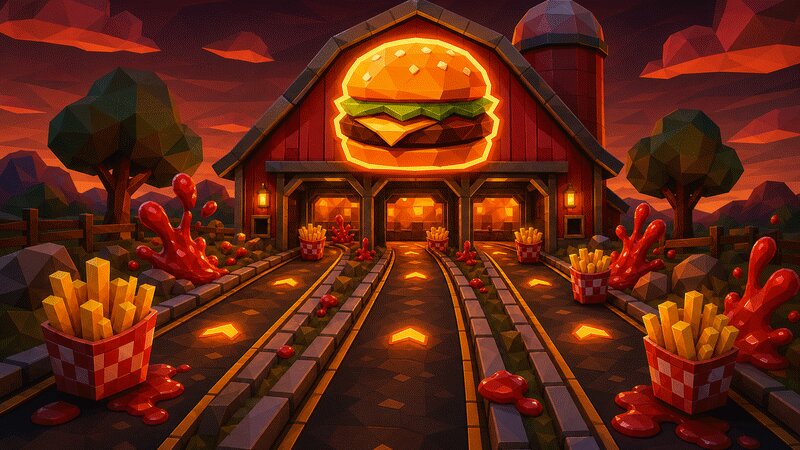
An anime wallpaper generator turns a prompt into a wide, screen-ready anime scene — backgrounds, skies, cityscapes or characters rendered in the painterly style of Japanese animation. With eaxy you describe the mood and setting, choose an aspect ratio for your device, and export a crisp wallpaper up to 4K that you can also animate into a living background.
What an anime wallpaper is
Anime wallpapers are defined as much by atmosphere as by subject. The genre's environment art — think the luminous skies and lived-in cities of modern anime films — favors deep gradients, glowing light sources, soft volumetric haze and richly painted backgrounds where every cloud and rooftop feels considered. A character, if present, is usually small in the frame, placed to lead the eye into the scene rather than dominate it.
Composition is the other half. A wallpaper has to survive icons, clocks and widgets sitting on top of it, so the most striking detail is often pushed to one third of the frame, leaving calm negative space elsewhere. Wide framing and a clear focal point keep it readable on a busy home screen.
How eaxy makes anime wallpapers
eaxy combines modern diffusion models with curated style packs, so you choose the rendering language and spend your prompt on the scene.
- 4K exports — sharp on large monitors and high-density phones alike.
- Aspect-ratio control — wide 16:9 for desktop, tall 9:16 for mobile, square for tablets.
- 30+ style packs — anime, cinematic and painterly looks to set the mood instantly.
- Kling 3 video — animate a still into a short loop for a live wallpaper.
- Multilingual prompting — describe the scene in your own language.
Looks and variations
The same generator spans many wallpaper moods. Slice-of-life leans warm and nostalgic — sunlit classrooms, quiet train rides, summer festivals. Epic-scenic goes for vast skies, floating islands and sweeping mountain vistas. Night-city brings neon reflections on wet streets and glowing vending machines. Seasonal sets — cherry blossoms, autumn maples, snowfall — make easy rotating wallpaper packs. You can also go minimal: a single silhouette under a huge gradient sky.
Use cases
Anime wallpapers fit phone and desktop backgrounds, stream and channel scenes, Discord or profile banners, lock screens, and themed wallpaper packs you rotate by season or mood. Because eaxy can animate the result, a still scene can become a gently moving live wallpaper with drifting clouds, falling petals or shimmering light.
How to make one in eaxy
- Start a new image on the /create workspace.
- Pick an anime or cinematic style pack.
- Set the aspect ratio for your device — 16:9 desktop or 9:16 phone.
- Describe the scene, the time of day and the weather, and leave one side calmer for icons.
- Generate, choose your favorite, and upscale to 4K.
- Optionally animate it with Kling 3 for a moving background.
A dependable prompt skeleton is: location and time of day, then weather and lighting, then mood and any character, then style words. For example: "rooftop overlooking a neon city at dusk, light rain, glowing signs reflected in puddles, lone figure in the lower right, soft volumetric haze, cinematic anime." Mentioning where you want the calm space helps the composition stay wallpaper-friendly.
For a matching set, generate the wide version first, then repeat the exact prompt in a tall ratio so your phone and desktop feel like one collection.
Ready to set the scene? Create an account to start generating, add a hero face with the anime portrait generator, or push into neon territory with the cyberpunk wallpaper generator.
Frequently asked questions
What resolutions can I export for wallpapers?+
eaxy exports up to 4K, which is sharp enough for large desktop monitors and high-density phone screens. Prompt the aspect ratio you need — wide 16:9 for desktop or tall 9:16 for mobile.
Can I make a matching phone and desktop pair?+
Yes. Keep the same prompt and style pack, then generate one wide and one tall version so the look stays consistent across devices.
Can wallpapers be scenery only, without a character?+
Absolutely. Anime is famous for its environment art — skies, city streets, train platforms, mountains and seasonal landscapes all work as character-free wallpapers.
Can I make the wallpaper move?+
Yes. eaxy uses Kling 3 to animate a still into a short loop, so clouds, rain or light can drift for a live wallpaper feel.
Can I use the wallpapers commercially?+
On Pro and above, exports include a commercial license for use in products, content and projects.
Make it with eaxy
Describe anything and generate stunning images in seconds — then bring them to motion with Kling 3.