AI Pixel Art Generator
Make charming retro pixel art for games, profiles and projects in seconds with eaxy's AI pixel art generator.
June 16, 2026
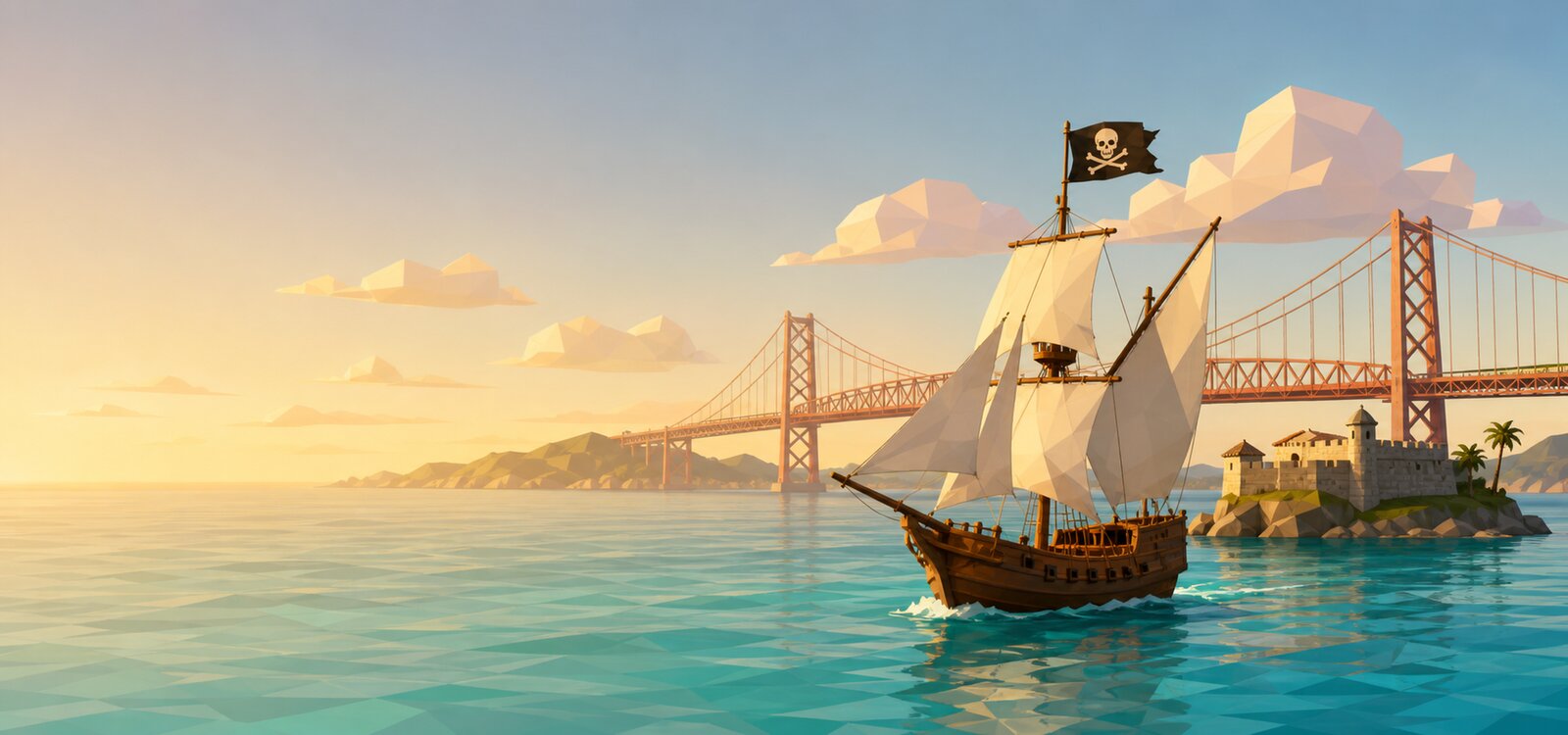
An AI pixel art generator turns a text prompt into blocky, retro-style illustration in seconds — the nostalgic look of classic video games. With eaxy you describe a character, item or scene, pick a pixel style, and get charming pixel art without placing a single pixel by hand.
What pixel art is and why it endures
Pixel art is illustration built from a small, deliberate grid of coloured squares. It came from the technical limits of early consoles, but it survives because that constraint produces a warm, readable, instantly recognisable style. From indie games to profile pictures to merch, the retro look still feels fresh. The hard part has always been the craft: placing pixels and choosing palettes by hand is painstaking. eaxy lets you explore the look first and worry about pixel-perfect cleanup later, if at all.
What you can create
- Characters and sprites — heroes, enemies, NPCs and creatures in a consistent style.
- Items and icons — weapons, potions, coins, power-ups and UI icons.
- Tiles and backgrounds — ground, walls, skies and scenery for scenes.
- Profile pictures and avatars — retro PFPs that stand out in any feed.
- Key art and covers — pixel scenes for game pages, stickers and posts.
Why eaxy works for pixel art
eaxy combines powerful diffusion models with 30+ curated style packs, so you can push toward a simpler 8-bit feel or a richer 16-bit look with more colours and shading. Reusing one style pack keeps a whole asset set visually unified — important when sprites, items and tiles need to belong to the same game. Multilingual prompting lets you brief in your own language, and exports up to 4K mean you can scale pixel scenes up for posters and covers. When a scene calls for movement, eaxy can animate it with Kling 3, giving retro art a modern, motion-led twist. The AI character generator and AI avatar generator pages cover related workflows.
How to make pixel art with eaxy
- Open the create studio and start a new image.
- Write a prompt that names the subject, the era feel and the palette.
- Choose a pixel-leaning style pack.
- Generate variations and keep the cleanest, most readable result.
- Refine the prompt for detail, then export, or animate the scene into video.
A good pixel prompt names the subject and the vibe: "16-bit pixel art of a green-cloaked archer, side view, limited palette, dark fantasy forest background." Calling out the bit-depth feel and a limited palette steers the model toward true pixel aesthetics rather than a soft, blurry imitation. The learn hub has prompt tips for stylised art.
Tips for cleaner, game-ready results
Pixel art rewards restraint. To get the most usable output:
- Ask for a limited palette — fewer colours read as more authentic.
- Specify a clear view, such as side-on, top-down or three-quarter.
- Keep backgrounds simple when you want a clean subject to cut out.
- Reuse one style pack and consistent character wording across a sprite set.
- Generate several options and pick the one with the clearest silhouette.
A strong silhouette is what makes a sprite readable at small sizes, so favour shapes that stay clear when scaled down.
Bringing retro scenes to life
Pixel art and motion are a natural pair. Once you have a scene you like — a character in a forest, a town at sunset — describe the movement you want and let eaxy animate it with Kling 3. Drifting clouds, a flickering torch, a slow pan across a level: small motion gives pixel scenes a living, arcade feel. You can build the whole loop, from sprite to animated scene, inside eaxy.
Ready to go retro? Start creating with eaxy and turn a one-line idea into crisp pixel art in seconds.
Frequently asked questions
What is an AI pixel art generator?+
It is a tool that turns a text prompt into pixel art, the blocky retro illustration style used in classic games. You describe a character, item or scene and eaxy produces it in a pixel aesthetic in seconds.
Can I make game-ready sprites and tiles?+
eaxy generates pixel-style characters, items, tiles and backgrounds you can use as references or assets. Match a consistent look across a set by reusing one style pack.
Can I match 8-bit or 16-bit looks?+
Yes. With eaxy's 30+ style packs and detailed prompting you can lean toward simpler 8-bit feels or richer 16-bit detail and palettes.
Can I use the pixel art commercially?+
Yes. Pro and above include a commercial license, so your pixel art is safe to use in games, products and content.
Is there a free version?+
There is no free tier. eaxy offers paid plans (Starter, Pro, Max and Ultra) that you can cancel anytime.
Make it with eaxy
Describe anything and generate stunning images in seconds — then bring them to motion with Kling 3.