AI Instagram Post Generator
Generate on-brand Instagram posts, carousels and reel covers in seconds — then animate them with cinematic AI video.
June 16, 2026
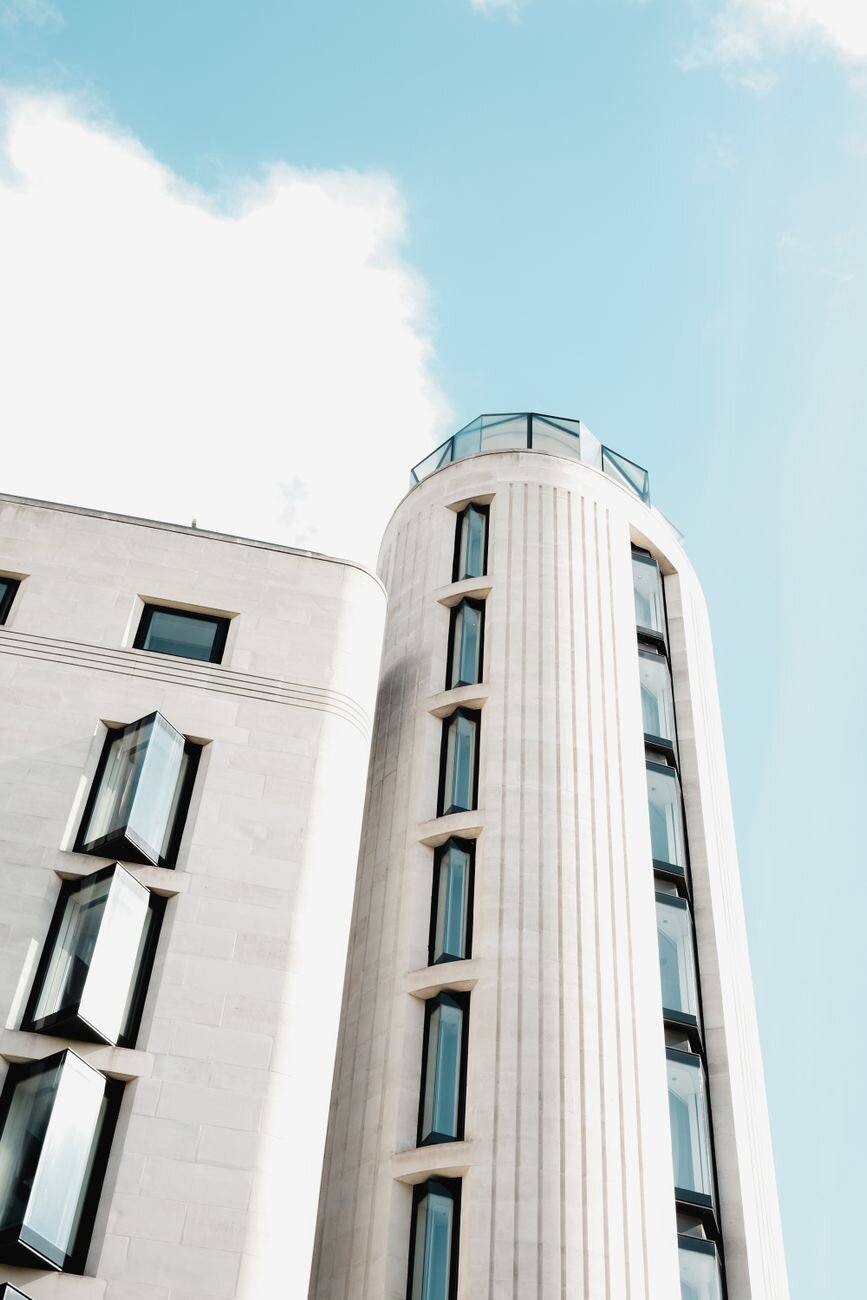
An AI Instagram post generator turns a text prompt into a finished, on-brand Instagram visual — single posts, carousels and reel covers — without a designer or stock photos. With eaxy you describe the post, pick a style, and get polished frames in seconds that you can size for any Instagram format and export at up to 4K.
What an AI Instagram post generator does
Consistent, high-quality posting is hard to keep up. An AI post generator removes the bottleneck: you go from idea to a ready-to-publish visual in minutes, in a style that matches your feed. That means more frequent posting, a tighter brand look, and less time spent fighting design tools.
It works for single image posts, multi-slide carousels, quote graphics, product features and reel covers — all from plain-language prompts.
How eaxy makes Instagram posts
eaxy is built for fast, cohesive content:
- 30+ style packs — social, product, fashion, cinematic and more for an on-brand feed.
- Any Instagram format — square (1080x1080), portrait (1080x1350) and vertical (1080x1920).
- 4K exports — crisp at any size and ready for high-resolution screens.
- Reference images — keep your products, palette or face consistent.
- Kling 3 video — animate a still post into a reel-ready clip.
For other channels, see the AI YouTube thumbnail maker and the AI ad creative generator for paid placements.
How to create a post with eaxy
- Create your account and open the create studio.
- Pick a style pack that matches your brand's look.
- Write a prompt describing the subject, mood, palette and layout.
- Choose your format — square, portrait or vertical.
- Generate options, refine, and export at high resolution. For a carousel, repeat in the same style; for a reel, animate the still with Kling 3.
Building a cohesive feed
A strong Instagram presence reads as one identity at a glance. To get there, fix your palette and reuse it across posts, lean on the same style pack so the rendering stays consistent, and keep layout zones predictable — for example, subject centered with text space at the top. When you plan a carousel, design the frames as a set so slides feel connected rather than random.
Leave room for any text or captions you add later, and check how each post looks as a tiny grid thumbnail, since that is how new followers first see your feed. Generate several directions and keep the ones that hold up small.
Use cases for AI Instagram content
- Feed posts — original visuals instead of recycled stock.
- Carousels — tips, tutorials, before-and-after and storytelling sets.
- Reel and story covers — vertical visuals that match your feed.
- Product features — clean, on-brand shots without a studio.
- Quote and announcement graphics — fast, polished templates.
- UGC-style content — natural, creator-feel visuals; see the AI UGC generator.
Turn posts into reels
eaxy goes beyond static images. Once a post looks right, you can animate it with Kling 3 into a short, cinematic clip — a slow zoom, a parallax move, a reveal — perfect for reels and stories. That lets one visual concept power both your feed and your video content from a single workflow, which is exactly what consistent posting needs.
Generate the still, perfect the look, then add motion when you want a reel without extra tools.
Start posting
A standout feed starts with standout visuals. Describe your post, choose a style, and let eaxy render it — then size it for Instagram and add motion when you want a reel. Start creating with eaxy and design your next post today. Explore related formats with the AI ad creative generator and prompt tips on the learn hub.
Frequently asked questions
What is an AI Instagram post generator?+
It is a tool that turns a text prompt into a finished Instagram visual — single posts, carousel slides or reel covers — without a designer or stock library.
What sizes should Instagram posts be?+
Square posts are 1080 by 1080 pixels, portrait posts are 1080 by 1350, and reels and stories are 1080 by 1920. eaxy exports up to 4K so you can fit any of these crisply.
Can I keep a consistent feed look?+
Yes — reuse a style pack and palette so every post feels like part of one cohesive grid.
Can I make a carousel?+
Yes. Generate a set of related frames in the same style and arrange them as carousel slides for tips, before-and-after or storytelling.
Can I turn a post into a reel?+
Yes — eaxy uses Kling 3 to animate a still post into a short cinematic clip for reels and stories.
Can I use the posts commercially?+
On Pro and above, exports include a commercial license, so brands and creators can post freely.
Make it with eaxy
Describe anything and generate stunning images in seconds — then bring them to motion with Kling 3.