AI Wallpaper Generator
Design unique wallpapers for your phone, desktop or tablet in seconds — any style, sized exactly to your screen.
June 16, 2026
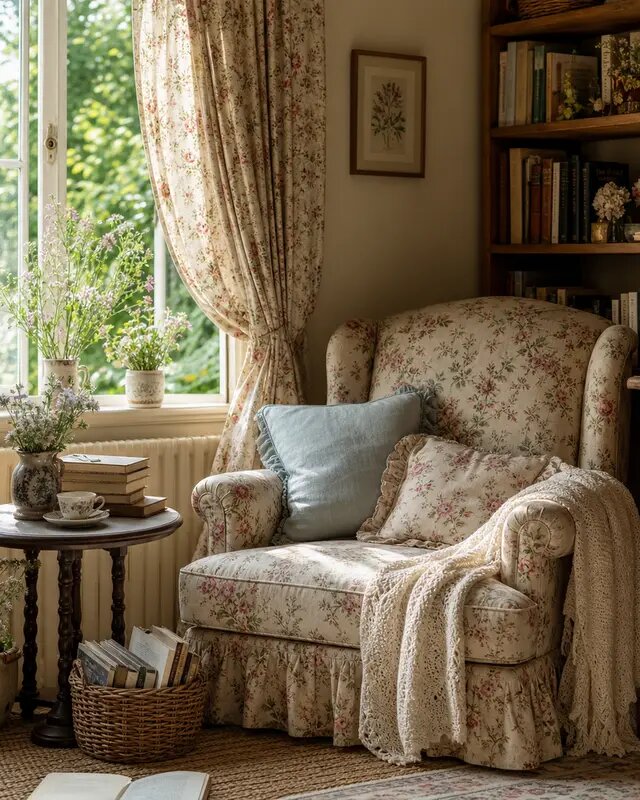
An AI wallpaper generator creates custom backgrounds for your phone, desktop or tablet from a text prompt — sized to your screen and styled exactly how you want. With eaxy you describe a scene or mood, choose an aspect ratio, and download a one-of-a-kind wallpaper in seconds.
What an AI wallpaper generator does
Stock wallpapers are everywhere, which is exactly why they feel impersonal. An AI wallpaper generator lets you make a background that is genuinely yours — your colors, your subject, your aesthetic. eaxy is a consumer AI image and video studio, so beyond stills you can also create looping, animated wallpapers by bringing an image to motion.
Whether you want a calm minimalist gradient for focus or a detailed cyberpunk skyline for your gaming rig, you control the look in plain language.
How eaxy creates wallpapers
eaxy uses state-of-the-art diffusion models with 30+ curated style packs, so dialing in a look is quick:
- Style range — minimalist, abstract, landscape, anime, space, cyberpunk and more.
- Aspect ratios — vertical for phones, wide for desktops, square for tablets and watches.
- 4K exports — crisp on high-resolution displays.
- Color control — name your palette so the wallpaper matches your theme.
- Motion with Kling 3 — turn a still into a looping live wallpaper.
- Multilingual prompting — describe the scene in your own language.
The combination means you can go from idea to a screen-ready background without any design skills.
How to make a wallpaper with eaxy
- Create your eaxy account and open the create studio.
- Pick the aspect ratio for your device — vertical for phone, horizontal for desktop.
- Choose a style pack that matches your taste — minimalist, anime or landscape.
- Write a prompt with the subject, mood and colors (for example, "calm minimalist mountain range at dawn, soft pastel gradient, lots of negative space").
- Generate a batch and pick the cleanest composition for your screen.
- Export at up to 4K, then set it as your background — or send it to image-to-video for a looping live wallpaper with Kling 3.
Wallpaper styles to try
- Minimalist — gentle gradients and lots of empty space for a calm home screen.
- Abstract — flowing shapes and bold color fields.
- Landscapes — mountains, oceans, forests and night skies.
- Anime and illustration — try the AI anime generator for character-led backgrounds.
- Space and sci-fi — nebulae, planets and neon cityscapes.
If you want a deeper artistic look, the AI art generator opens up painterly and experimental styles, while the AI background generator is handy when you need a clean backdrop to drop other elements onto.
Tips for screen-perfect wallpapers
Always generate in the aspect ratio of your device before you create, since cropping a landscape image to a tall phone screen usually loses the composition. Leave room for your icons and clock — for phone wallpapers, prompt for "negative space at the top and center" so widgets stay readable. Keep the palette tight if you want a calm screen, or push contrast for something energetic. And export at the highest resolution your plan offers so the result stays sharp on high-density displays.
For a set, generate several variations of one prompt and rotate them through the week without losing a consistent feel.
Why eaxy for wallpapers
eaxy makes personal, screen-ready backgrounds effortless: curated styles, correct aspect ratios, true 4K exports, and the option to animate any wallpaper with Kling 3. eaxy has no free tier — it runs on paid Starter, Pro, Max and Ultra plans, with a commercial license from Pro up if you want to share or sell wallpaper packs, and you can cancel anytime.
Ready for a screen that is truly yours? Start creating wallpapers, discover more in the create hub, or pick up new techniques in the learn hub.
Perguntas frequentes
Can I make wallpapers for both phone and desktop?+
Yes. Generate a vertical aspect ratio for phones and a horizontal one for desktops, then export at up to 4K for a crisp fit.
Will the wallpaper match my screen resolution?+
Choose the aspect ratio that matches your device and export at up to 4K. For most phones and laptops that is more than enough resolution to look sharp.
Can I use AI wallpapers commercially?+
Personal wallpapers are fine on any plan. If you want to distribute or sell wallpaper packs, use Pro or above for the commercial license.
Can I make a live or moving wallpaper?+
Yes — turn a still wallpaper into motion with Kling 3 to create a looping animated background for supported devices.
What styles can I create?+
Anything from minimalist gradients and abstract art to landscapes, anime, space and cyberpunk — eaxy's 30+ style packs cover a wide range.
Crie com eaxy
Descreva qualquer coisa e gere imagens incríveis em segundos; depois dê movimento com Kling 3.