Reference pages, screenshots, and practical explanations for buyers who want specifics.
School Focus
Explain the product in plain language.
Show real screenshots and practical outcomes.
Route buyers to direct purchase, WhatsApp, or email.
Resources
This section is designed for non-technical buyers who want practical guidance, screenshots, and a clear next step.

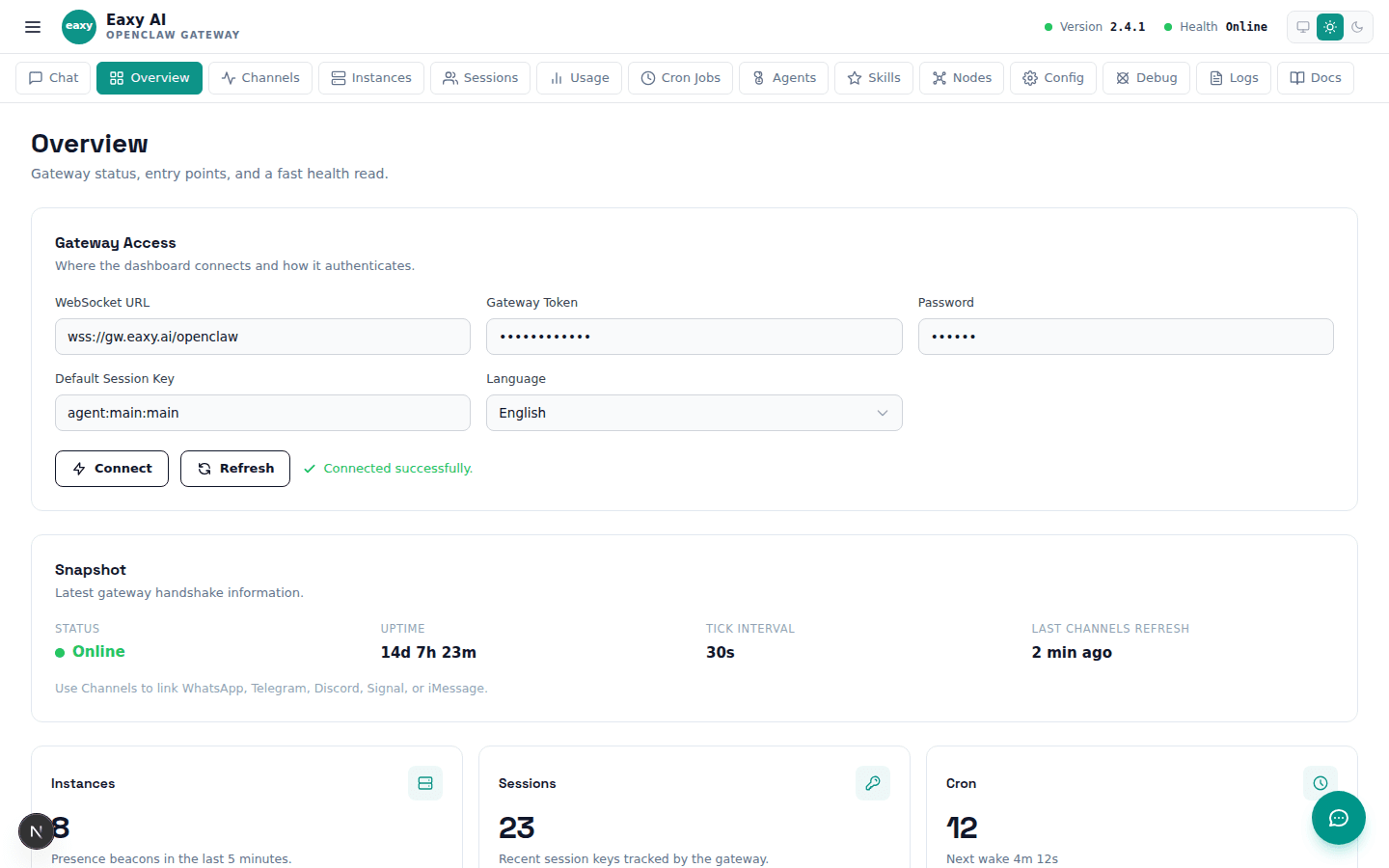
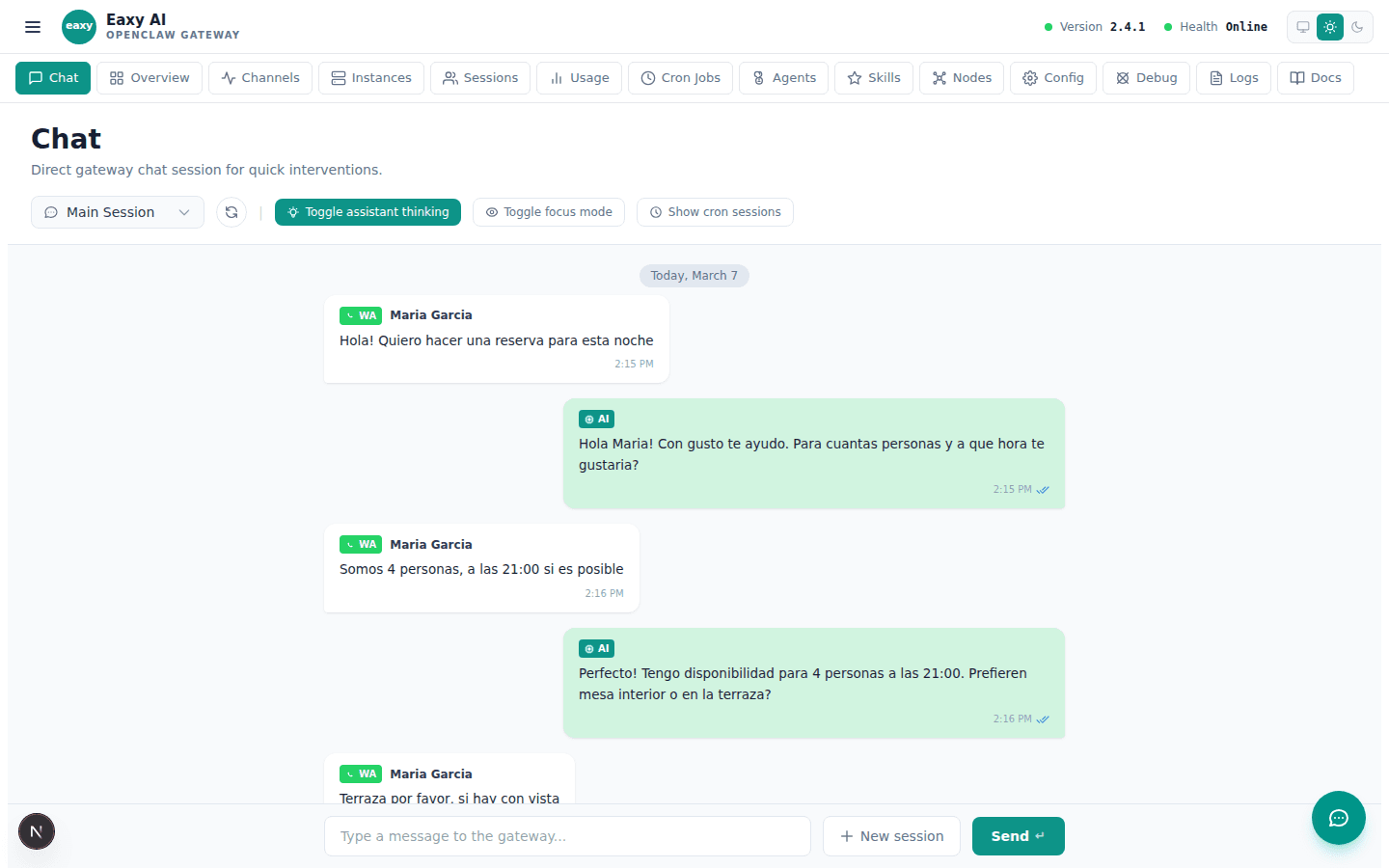
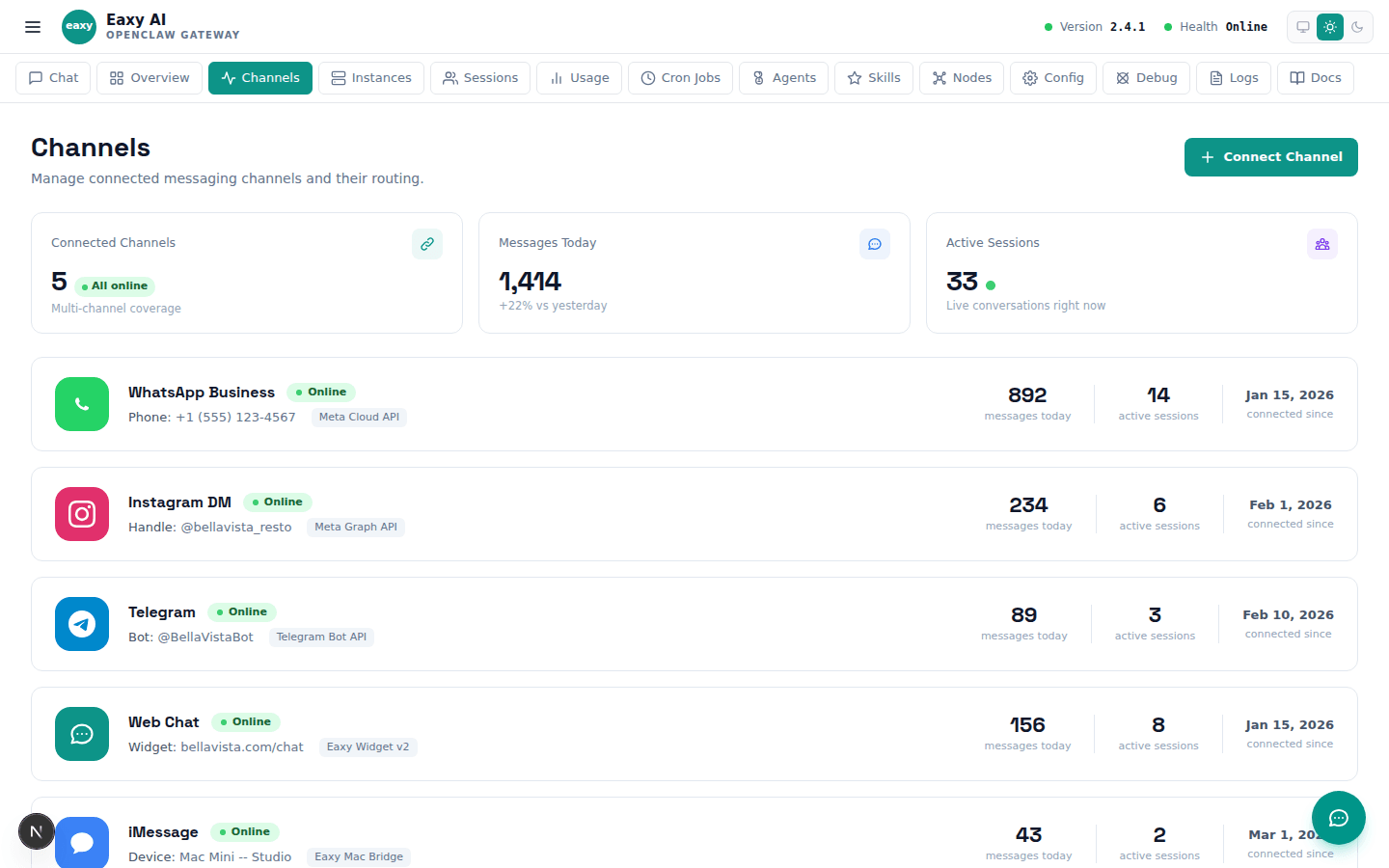
Real UI views that help buyers understand what they will actually see.

A visual tour of the information Eaxy collects to launch a client cleanly.

A buyer-safe explanation of the most common first-launch issues.

Clarifies what is missing when WhatsApp, email, or web chat is not live yet.

Explain the setup path, inbox expectations, and how Eaxy handles responses for small teams.
Teach buyers what a skill does, when to use it, and how it improves an agent.
Frame plugins as the business connections that make Eaxy useful in the real world.
Show agents as the workers that combine skills, plugins, and channel coverage.
A visual library of dashboards, onboarding, conversations, and ready-to-buy setups.
Buyer-friendly fixes for the most common launch and support questions.
Use these pages to answer practical questions and route people into the right setup.