Best fit
Teams comparing options and deciding what should be part of their Eaxy setup.
Check channel connection first
Confirm the workflow is live
Review whether the case should have escalated
A buyer-safe troubleshooting page for one of the most stressful first-launch moments.
Clear
next buying step
Managed
setup framing
Human
handoff path stays visible
Best fit
Troubleshooting
Most first-launch issues come from a channel not being fully connected, missing onboarding information, or an escalation rule taking over earlier than the buyer expected.
Troubleshooting
Keep the page calm and operational. The goal is to show that there is a checklist and support path, not to make the issue feel mysterious.
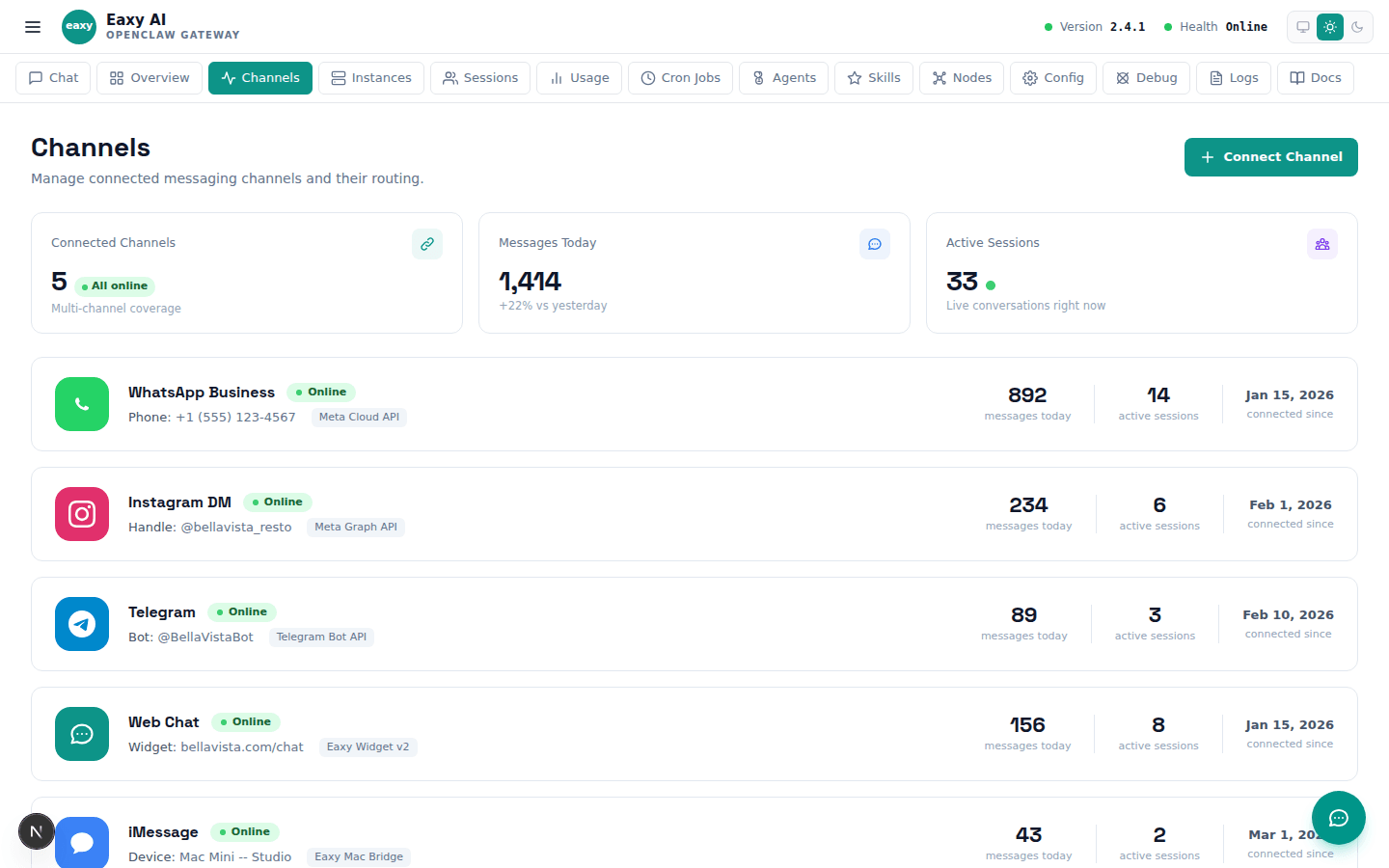
Explains what is usually missing when a channel is still in setup.

Explain the buyer path: what Eaxy sets up, what the client provides, and how the WhatsApp flow goes live.
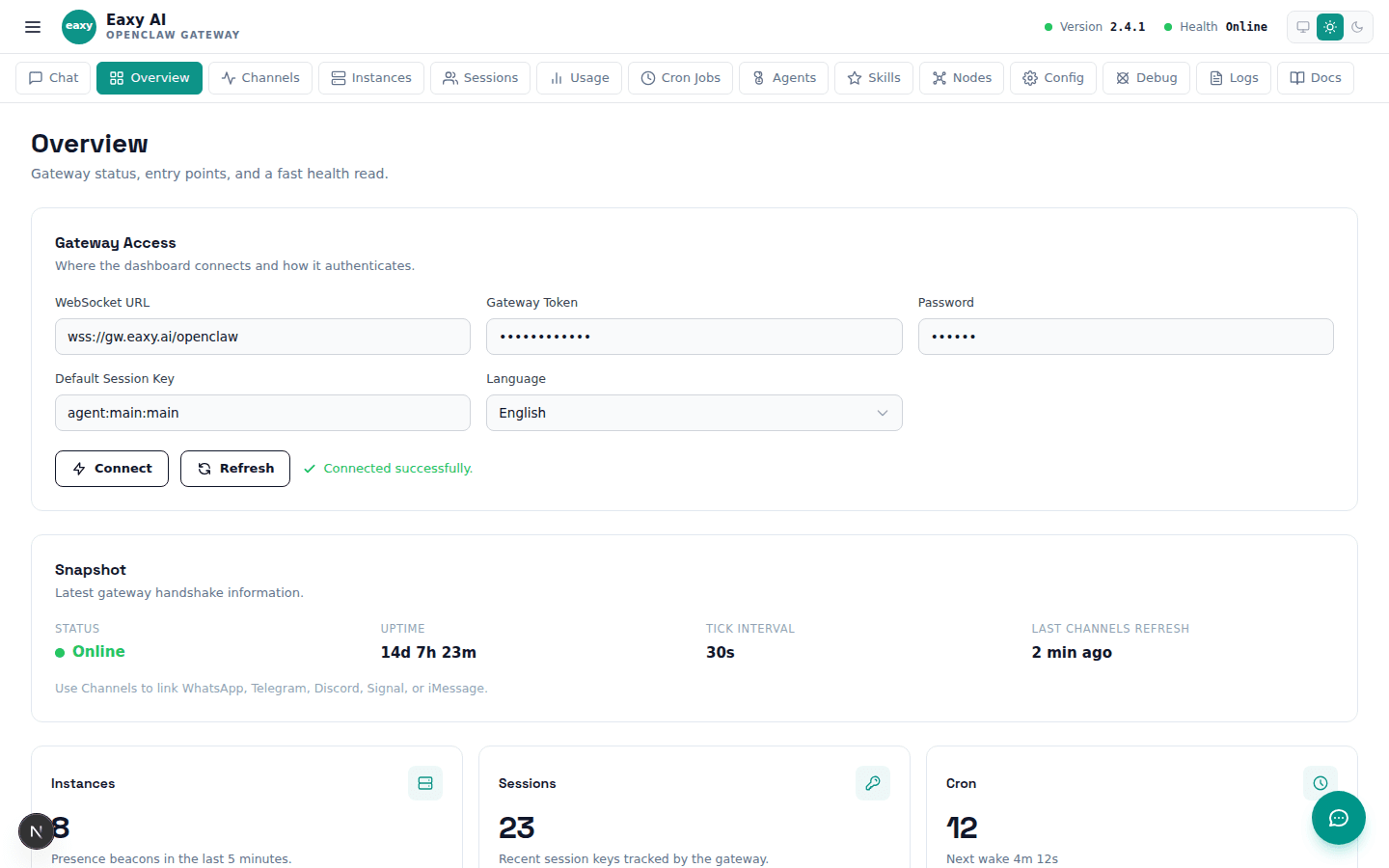
A visual page that turns abstract product copy into concrete UI proof.
Use the School page as the decision layer, then let Eaxy handle the operational setup and final launch path.
Use the page above to evaluate the fit. Use the CTA below when you want Eaxy to handle the managed rollout.