AI Video Prompting Tips
Direct your AI video like a cinematographer — describe the shot, the motion and the mood, and let Kling 3 do the rest.
June 16, 2026
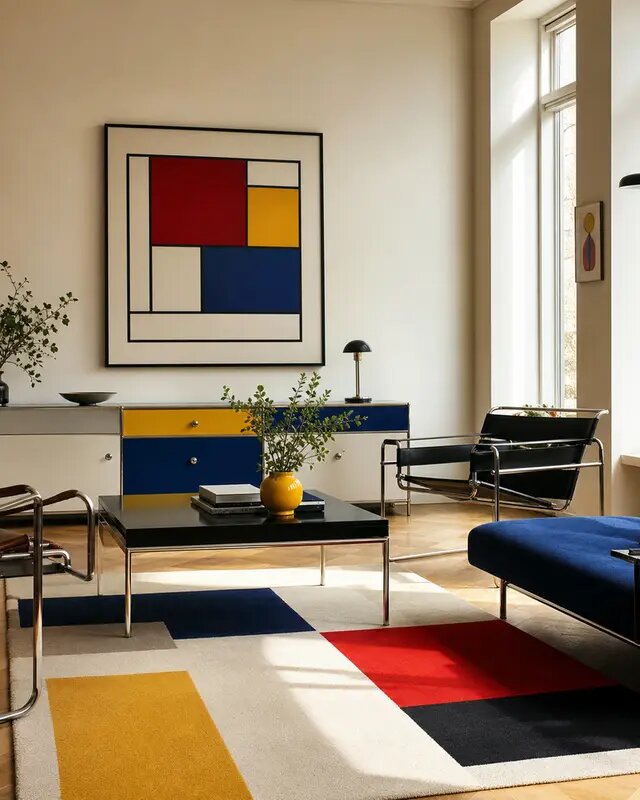
An AI video prompt is a short brief that tells the model what to show and how to move the camera. The best ones read like a shot description from a director: subject, action, camera, lighting, mood. The more concretely you describe motion, the more cinematic and intentional the result — and the less your clip drifts into generic mush.
This guide collects practical prompting habits that consistently get better video out of eaxy, which uses Kling 3 — the latest model with native 4K output, smoother motion and stronger prompt understanding.
Think in shots, not scenes
A great AI clip is one clear shot, not an entire sequence crammed into five seconds. When you ask for a character who walks in, sits down, picks up a phone and laughs, the model has too much to resolve and motion falls apart. Instead, isolate a single beat: "a woman sets a coffee cup on the table, slight smile." Then build longer pieces by combining several clean shots.
If you are starting from an image you already love, animating it gives you tight control over composition. The photo-to-video guide covers that workflow end to end.
The prompt skeleton
A reliable structure to fill in every time:
- Subject: who or what is on screen, described concretely.
- Action: the one thing that moves, in plain verbs.
- Camera: the move — push in, slow dolly, pan, orbit, static lock.
- Lighting and mood: warm golden hour, soft window light, moody and cinematic.
- Style cues: film grain, shallow depth of field, anamorphic, documentary feel.
Example: "Close-up of a chef plating pasta, hands moving slowly and deliberately; camera does a slow push-in; warm restaurant light, shallow depth of field, cinematic." That gives the model a subject, one action, one camera move and a clear look.
Use real camera language
Models trained on film footage respond far better to camera vocabulary than to vague adjectives. Reach for terms a cinematographer would use:
- Push in / pull out for emotional emphasis.
- Dolly for smooth lateral travel.
- Pan / tilt for revealing space.
- Orbit / arc for showing a product in the round.
- Static locked shot when you want stillness and let the subject move.
- Handheld for energy and a UGC feel.
Pick one. Asking for a pan and a push and an orbit at once usually produces a clip that fights itself.
Control motion intensity
Most artifacts — warping faces, melting hands, jittery backgrounds — come from requesting too much movement. A few fixes:
- Reduce the amount of action in the prompt; let one thing move.
- Lower motion intensity if your tool exposes it.
- Keep the background stable and animate only the subject, or vice versa.
- Favor slow, weighty moves over fast, chaotic ones — they read as more expensive anyway.
If you are animating people you reuse across clips, pair these tips with our guide on keeping AI characters consistent so the same face survives from shot to shot.
Match the format to the destination
Before you generate, decide where the clip lives. Vertical 9:16 for TikTok, Reels and Shorts; 16:9 for YouTube and landing pages; 1:1 for feed posts. Composing for the final aspect ratio from the start beats cropping later and keeps your subject framed correctly.
A quick checklist
Run this before you hit generate:
- One subject, one action, one camera move.
- Real camera language, not "dynamic" or "epic".
- Lighting and mood stated explicitly.
- Aspect ratio chosen for the destination.
- Reasonable length — start at 3-6 seconds.
Good video prompting is mostly restraint plus precision. Describe one beat clearly, direct the camera, and let Kling 3 render it cleanly. When you want to put a sequence together, generate each shot deliberately and cut them in order.
Want to try it? Start creating and direct your first shot, or explore more techniques across the eaxy learn hub.
Frequently asked questions
What makes an AI video prompt good?+
Specificity about motion and camera. Name the subject, the action, the camera move and the mood. Vague prompts produce generic, drifting clips; concrete shot language produces intentional, cinematic ones.
Should I prompt text-to-video or animate an image?+
Both work. Animating a still you already love gives you the most control over composition; text-to-video is faster for exploring ideas. Many creators lock a frame first, then animate it.
How long should clips be?+
Short and purposeful. Kling 3 supports up to 15 seconds, but most strong shots run 3-6 seconds. Build longer pieces by stitching several deliberate shots together.
Why does my video drift or warp?+
Usually too much requested motion or conflicting instructions. Ask for one clear camera move and one subject action, keep the rest stable, and reduce the motion intensity if faces or hands distort.
Can I control the camera?+
Yes. Use explicit camera language — push in, slow dolly, pan left, orbit, static locked shot — and Kling 3 will follow it far more reliably than adjectives like 'dynamic'.
Make it with eaxy
Describe anything and generate stunning images in seconds — then bring them to motion with Kling 3.