Best fit
Fix Instagram DM integration issues when the assistant is not receiving or replying to direct messages.
Clear
next buying step
Managed
setup framing
Human
handoff path stays visible
Best fit
Troubleshooting
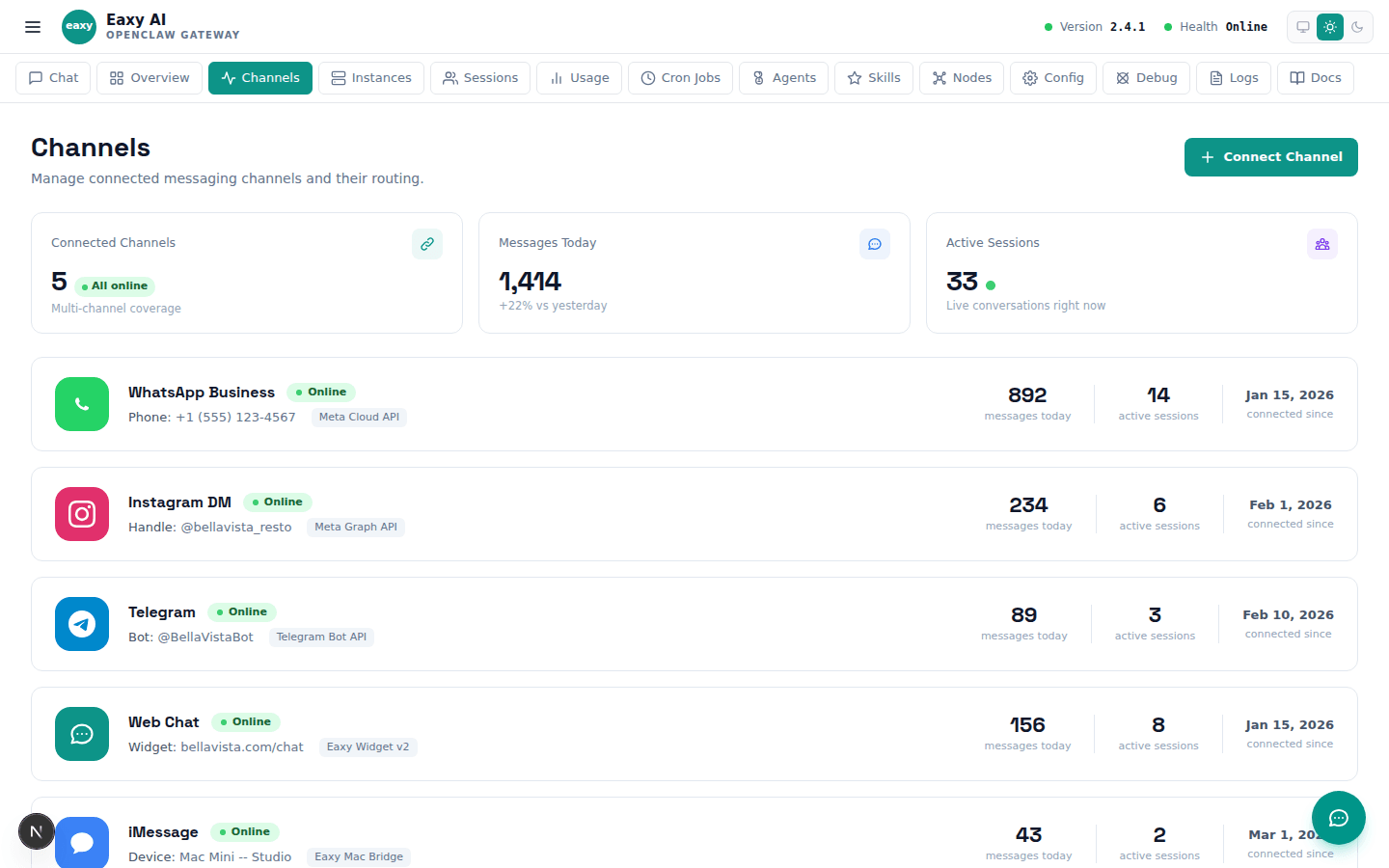
Instagram DM integrations have several requirements that differ from other channels like WhatsApp or email. The most common reason the integration stops working is that the Instagram account must be a Business or Creator account connected to a Facebook Page. Personal accounts do not support the Messenger API that powers automated DM responses. If the account was recently converted from personal to business, the connection may need to be re-established. Another frequent issue is expired permissions. Instagram requires periodic re-authorization of third-party access, and if this authorization lapses, the assistant will silently stop receiving new messages. Check the connection status in your channel settings to verify that the integration shows as active and that the last successful message exchange is recent. If the connection appears active but messages are still not flowing, the issue may be on the Instagram side: platform outages, policy changes, or account restrictions can all interrupt DM delivery without any notification to the business owner.
Troubleshooting
Instagram DM automation requires specific permissions that must be granted through the Meta Business Suite. If any of these permissions are missing or were revoked during a platform update, the integration will fail. Start by verifying that your Facebook Page is properly linked to your Instagram Business account in Meta Business Suite settings. Then check that the messaging permissions are explicitly enabled. Instagram has a separate toggle for allowing automated messaging through third-party platforms, and this toggle can sometimes reset after account changes or platform updates. If permissions appear correct but the integration still does not work, try disconnecting and reconnecting the Instagram channel in your Eaxy settings. This forces a fresh authorization flow that often resolves stale permission states. Be aware that Instagram imposes a twenty-four hour messaging window similar to WhatsApp. If a customer sends a DM and the assistant does not respond within twenty-four hours due to an outage or misconfiguration, the window may close and the assistant will not be able to respond to that specific message thread until the customer sends a new message.
Troubleshooting
After fixing the connection, test the integration thoroughly before assuming everything is resolved. Use a separate Instagram account that is not connected to your business to send test DMs. This simulates a real customer experience and avoids false positives that can occur when testing from accounts that have special permissions. Send a variety of test messages: a simple greeting, a specific question about your services, a long message, and a message that should trigger escalation. Verify that each one receives an appropriate response within the expected timeframe. Set up a weekly check where someone on your team sends a test DM from a personal account to confirm the channel is still active. Instagram integrations are more prone to silent failures than WhatsApp or web chat because the platform makes frequent changes to its API and permission requirements. Catching these issues early through regular testing prevents days or weeks of missed customer messages. If you notice intermittent failures where some messages are received and others are not, this often indicates a rate limiting issue or a partial permission state that needs to be fully reset through a fresh reconnection of the channel.

Explains what is usually missing when a channel is still in setup.

A buyer-safe troubleshooting page for one of the most stressful first-launch moments.

Explains the value of one operator layer covering multiple inboxes.
Use the School page as the decision layer, then let Eaxy handle the operational setup and final launch path.
Use the page above to evaluate the fit. Use the CTA below when you want Eaxy to handle the managed rollout.