AI Logo Generator
Brainstorm and visualize logo concepts in seconds — explore dozens of directions before you commit to one.
June 16, 2026
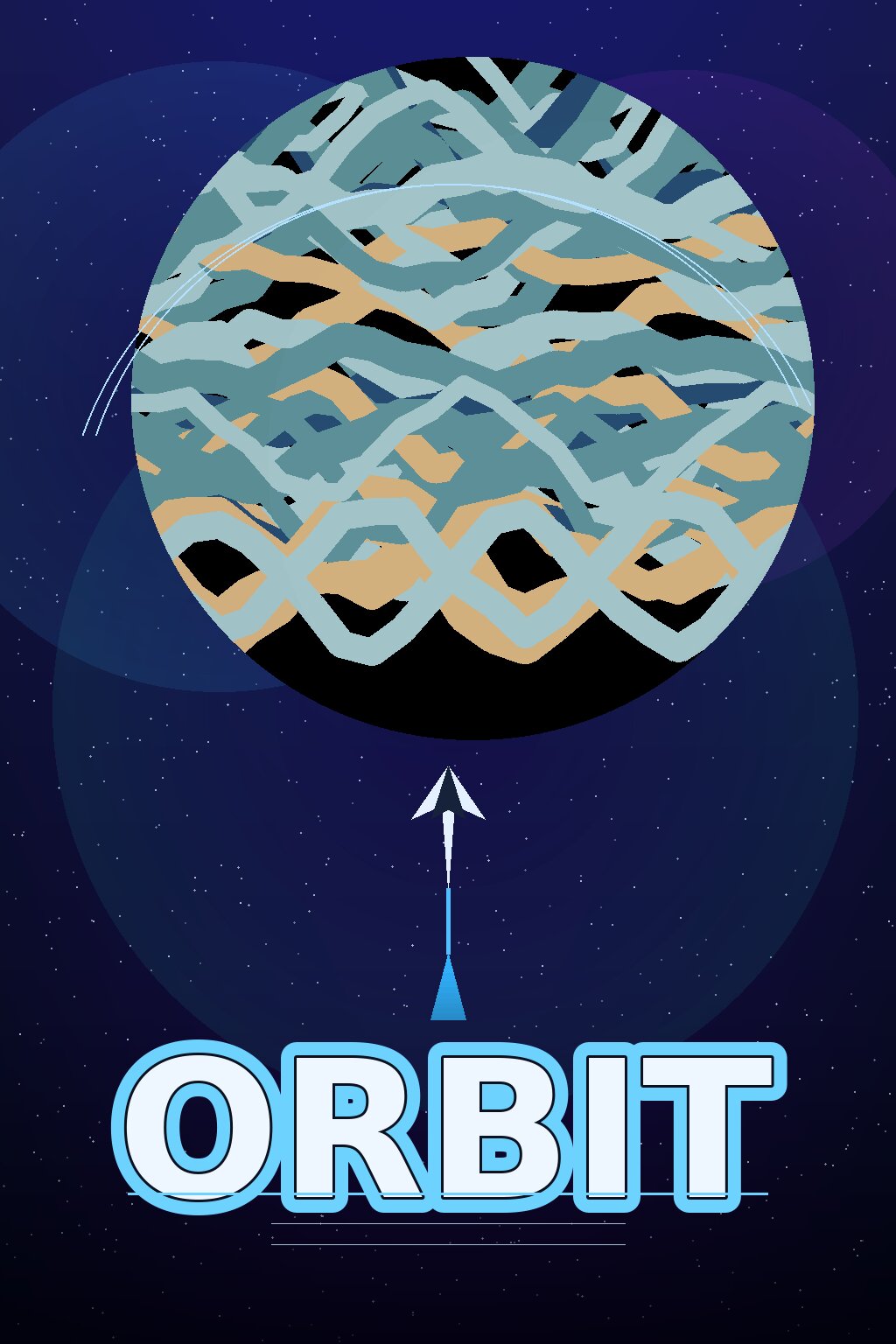
An AI logo generator turns a text description of your brand into logo concepts — symbols, marks and lettering directions — in seconds. With eaxy you can explore dozens of visual ideas from a single prompt, then pick the strongest direction to develop into a finished logo.
What an AI logo generator does
The hardest part of branding is often the blank page: you know the feeling you want but not the shape. An AI logo generator solves the ideation problem by rendering many directions quickly, so you can react to real visuals instead of describing them in the abstract. eaxy is a consumer AI image and video studio, which means you can explore logo concepts, build matching brand visuals, and even animate a mark for video — all in one workspace.
It is worth being clear about scope: AI is exceptional for concepting and exploration. For a production logo you will usually take the chosen direction and have it rebuilt as a clean, scalable vector. Think of eaxy as your fastest path to a great starting point.
How eaxy generates logo concepts
eaxy uses state-of-the-art diffusion models plus 30+ curated style packs, so you can steer the aesthetic instead of fighting it:
- Style range — minimal, geometric, vintage, hand-drawn, modern tech and playful looks.
- Color control — name your palette in the prompt to keep concepts on-brand.
- Batch exploration — generate many variations and compare directions at a glance.
- 4K exports — high-resolution mockups for decks, moodboards and presentations.
- Commercial license on Pro and above — for using exported visuals in your brand work.
- Motion with Kling 3 — turn a concept into an animated logo reveal.
Multilingual prompting means you can describe your brand in your own language and still get on-target results.
How to generate a logo with eaxy
- Create your eaxy account and open the create studio.
- Choose a style pack that fits your brand's personality — minimal, geometric or vintage.
- Write a focused prompt: name the business type, the symbol idea, the colors and the mood (for example, "minimal geometric fox mark, deep green and cream, modern, flat").
- Generate a batch and shortlist the directions that feel right.
- Refine your prompt around the winning concept to produce tighter variations.
- Export at up to 4K for your moodboard, then hand the chosen mark to a designer for vectorizing — or animate it via image-to-video.
Where AI logo concepts help
- Startups and side projects — explore an identity before investing in a full brand process.
- Naming and pitch decks — show stakeholders real visual directions.
- Moodboards — gather styles, colors and symbol ideas in one place.
- Social and merch mockups — preview how a mark sits on products and profiles.
- Rebrands — generate fresh directions to react against.
Once you have a direction, eaxy's other tools keep the momentum going: build launch graphics with the AI poster maker, create matching die-cut marks with the AI sticker maker, or expand the visual world with the AI art generator.
Tips for stronger logo concepts
Keep prompts concrete. Name a symbol ("mountain," "leaf," "abstract arrow") rather than asking for "a logo," and pair it with a style word and a palette. Generate in batches so you can compare directions instead of judging a single output. Favor simplicity — the marks that survive into production are usually the ones that read clearly at small sizes, so push toward clean, flat concepts. And keep your shortlist tight; three strong directions are easier to develop than thirty scattered ones.
When you find the winner, vary just the color and weight in follow-up prompts to see the mark's range before committing.
Why eaxy for brand exploration
eaxy turns branding ideation from a slow back-and-forth into a fast, visual loop. You get curated styles, high-resolution 4K mockups, and the option to animate a concept with Kling 3 for video intros. eaxy has no free tier — it runs on paid Starter, Pro, Max and Ultra plans with a commercial license from Pro up, and you can cancel anytime.
Ready to see your brand take shape? Start generating logo concepts, explore more in the create hub, or sharpen your prompting in the learn hub.
Preguntas frecuentes
Can I use an AI-generated logo commercially?+
On Pro and above, eaxy exports come with a commercial license. For a primary brand mark, treat AI output as a strong starting point and have a designer refine it into clean, scalable vector files.
Does eaxy export vector files?+
eaxy generates high-resolution raster images up to 4K. Use these to explore directions, then recreate the chosen mark as a vector for production logo use.
How many logo ideas can I generate?+
As many as your plan allows — generating in batches is the fastest way to compare styles, colors and symbols side by side.
Can I match my brand colors?+
Yes. Name your colors in the prompt (hex values or plain descriptions) and the style packs will steer the palette and overall mood.
Can I animate a logo concept?+
Yes — bring a logo concept to motion with Kling 3 for a short animated reveal you can use in videos and intros.
Hazlo con eaxy
Describe cualquier cosa y genera imagenes increibles en segundos; despues dales movimiento con Kling 3.