AI Vector Art Generator
Create crisp, flat, scalable-looking vector art — icons, mascots, badges and illustrations — from a single prompt, ready to refine and use anywhere.
June 16, 2026
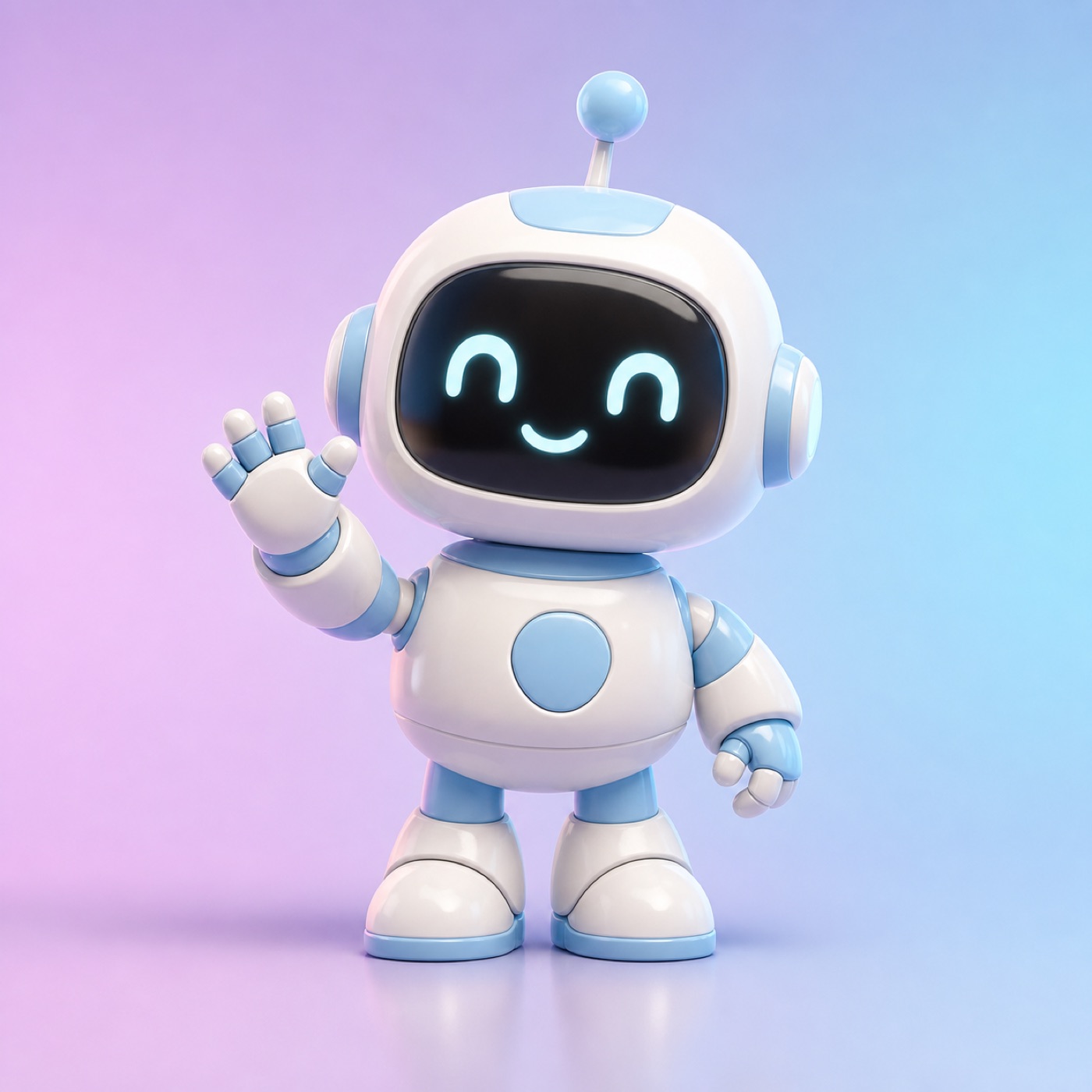
An AI vector art generator creates clean, flat, graphic-style illustrations — icons, mascots, badges and line art — from a text prompt. With eaxy you describe the subject, style and palette, and you get crisp vector-look art in seconds, ready to refine or trace into a true vector file.
What an AI vector art generator does
Vector art is defined by bold, simple shapes, flat color and clean edges — the look used for app icons, brand illustrations, stickers and infographics. An AI vector art generator produces that aesthetic from a prompt, giving you a polished flat graphic without manual path-drawing. eaxy is a consumer AI image and video studio, so you can generate a whole illustration set and even animate a hero graphic if you want motion.
Note the practical detail up front: eaxy outputs high-resolution raster images in a vector style. Because those shapes are flat and clean, they trace beautifully into a true editable SVG with any raster-to-vector tool.
How eaxy creates vector-style art
eaxy pairs state-of-the-art diffusion models with 30+ curated style packs, several built for flat graphic design:
- Style packs — flat illustration, line art, minimalist, badge, sticker and isometric looks.
- Tight palettes — name two or three colors to keep shapes clean and brand-aligned.
- Clean backgrounds — request white or solid backgrounds for easy cutout and tracing.
- Aspect ratios — square icons, wide banners and tall sticker shapes.
- 4K exports — large enough that traced vectors stay sharp at any size.
- Commercial license on Pro and above — for apps, branding and merch.
Multilingual prompting lets you brief in your own language and still get accurate, on-style graphics.
How to make vector art with eaxy
- Open eaxy and start a new project in the create studio.
- Choose a flat or line-art style pack to set the graphic look.
- Write a prompt with the subject, style and palette (for example, "flat vector illustration of a fox mascot, two-color orange and cream, bold clean shapes, white background").
- Pick a square or banner aspect ratio depending on the use.
- Generate a batch and pick the cleanest, most balanced shapes.
- Export at up to 4K, then trace to SVG in a vector tool if you need an editable, infinitely scalable file.
Where AI vector art works best
- App and web icons — consistent icon sets in one style.
- Brand illustrations — mascots, spot art and explainer graphics.
- Stickers and merch — bold, die-cut-friendly designs.
- Infographics and slides — clean visuals that scale crisply.
- Logos and emblems — flat marks and badge concepts.
Pair vector art with related eaxy tools: build a matching set with the AI icon generator, turn a graphic into a sticker, or develop a brand mark with the AI logo generator.
Tips for clean, traceable vector art
The flatter and bolder the art, the better it traces to SVG — so explicitly ask for "flat shapes, minimal gradients, clean edges." Keep your palette to two or three colors; busy gradients and tiny details fight the vector look and complicate tracing. Request a plain background so you can isolate the subject in one click. For an icon family, lock the style pack, stroke weight and palette, then change only the subject across prompts to keep the set consistent. Generate several options and choose the one with the simplest, most readable silhouette — strong vector art reads instantly even at small sizes.
Why eaxy for vector-style art
eaxy turns graphic illustration into a fast creative loop: curated flat-art styles, true 4K exports that trace cleanly to SVG, and the same studio you use for everything else. eaxy has no free tier; it runs on paid Starter, Pro, Max and Ultra plans with a commercial license from Pro up, and you can cancel anytime.
Ready to design your graphics? Start creating now, browse more tools in the create hub, or improve your prompts in the learn hub.
Perguntas frequentes
Does the AI vector art generator output editable SVG files?+
eaxy generates high-resolution vector-style raster art with the clean flat look of vectors. To get a true editable SVG, run the export through a raster-to-vector tracing tool — the bold flat shapes eaxy produces trace cleanly.
What vector styles can I make?+
Flat illustration, line art, minimalist icons, badge and emblem designs, sticker art, isometric graphics and bold mascot styles. Name the style and a tight color palette in your prompt.
Can I use AI vector art commercially?+
Yes. On Pro and above, exports include a commercial license, so you can use the art in apps, branding, merch and client work.
How do I keep the background transparent?+
Ask for a plain white or solid background in your prompt for easy removal, or describe a transparent or isolated subject and clean it up in any editor before tracing.
Can I keep a consistent style across many graphics?+
Yes. Reuse the same style pack, palette and descriptive keywords across prompts to build a matching icon set or illustration series.
Crie com eaxy
Descreva qualquer coisa e gere imagens incríveis em segundos; depois dê movimento com Kling 3.