Abstract Wallpaper Generator
Turn a mood into a stunning abstract wallpaper — flowing color, geometry or fluid forms — sized for any screen in seconds.
June 16, 2026
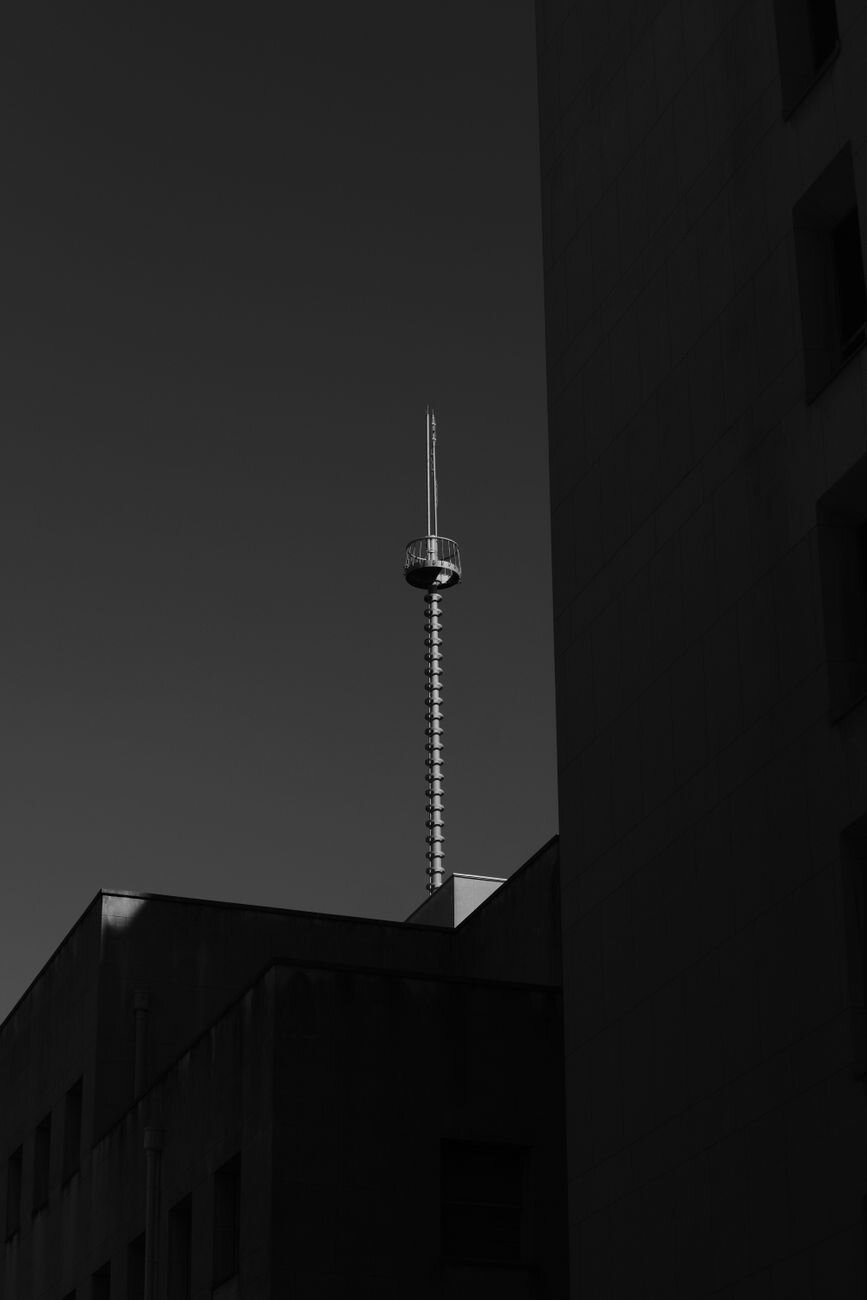
An abstract wallpaper generator turns a written prompt into a non-representational background — flowing gradients, fluid forms, geometric patterns or pure texture. With eaxy you describe a mood and color scheme, pick a device size, and get clean, screen-ready abstract wallpapers in seconds, ready to upscale to 4K or animate into a live background.
What an abstract wallpaper is
Abstract wallpaper has no literal subject. Instead of a landscape or a character, it works with shape, color, light and movement to set a mood. The best abstracts are calm enough to sit behind icons and text yet interesting enough to feel intentional — a balance of energy and restraint.
The genre spans several families: smooth multi-color gradients (sometimes called aurora or mesh gradients), fluid liquid and marble forms, hard-edged geometric patterns, soft bokeh and light fields, and organic textures like waves, smoke or fractals. Each carries a different feeling, from serene to electric.
How eaxy generates abstract wallpapers
eaxy lets you direct mood and color without design software:
- Abstract style packs — gradients, fluid/liquid, geometric, light-field and texture looks.
- Device-aware sizing — phone, tablet and desktop aspect ratios.
- Color control — name your palette and let eaxy compose around it.
- 4K exports — crisp on large monitors and high-DPI phones.
- Kling 3 video — animate a still into a slow looping live wallpaper.
For cleaner, simpler backgrounds, the minimalist wallpaper generator is a good companion, and the broader AI wallpaper generator covers other wallpaper styles.
Looks and variations
A single brief — "calm blue abstract" — can become a soft mesh gradient, a marbled liquid swirl, a grid of translucent geometric shapes, or a field of glowing bokeh. You can push toward bold and saturated or muted and pastel, toward sharp geometry or organic flow, and toward busy detail or near-empty calm. Vertical phone crops favor centered, simple forms; wide desktop crops can carry more sweep.
Use cases for abstract wallpapers
- Phone and desktop backgrounds — personal screens that feel custom.
- App and product UI — clean backdrops for onboarding and splash screens.
- Presentations and decks — slide backgrounds that don't fight the content.
- Brand assets — color-matched textures for sites and social.
- Live wallpapers — animated loops for lock screens and displays.
How to make an abstract wallpaper with eaxy
- Create your account and open the create studio.
- Pick an abstract style pack and set your device aspect ratio.
- Write a prompt with mood, family and color: for example, "smooth flowing gradient, deep blue to violet, soft glow, minimal, calm."
- Generate a batch and compare forms and palettes.
- Upscale your favorite to 4K, then optionally animate it with Kling 3.
Prompting tips for clean backgrounds
Decide the family first — "gradient," "fluid," "geometric," "bokeh," "texture" — because each produces a very different image. Name two or three colors and a mood word ("calm," "energetic," "moody") to steer the palette. Add "minimal" or "lots of empty space" if you want room for icons; add "detailed" or "intricate" if you want a richer look.
- Choose an abstract family.
- Name two or three colors.
- Add a mood word.
- Specify how busy or empty it should be.
- Set the right aspect ratio for your screen.
If a wallpaper feels too distracting behind your apps, lower the detail and contrast in the next iteration rather than changing the whole concept.
Bring your wallpaper to motion
What separates eaxy from a static image tool is video. Once an abstract lands, eaxy can animate it with Kling 3 — a slow color drift, a gentle liquid flow, a soft pulse of light — turning a still into a looping live wallpaper for phones and displays. You stay in one workflow: generate, refine, then add movement.
Start creating
A great abstract wallpaper sets a mood without shouting. Describe the feeling and colors, pick your screen size, and let eaxy compose it — then push it to 4K or motion. Start creating with eaxy, or explore prompting fundamentals on the learn hub.
Preguntas frecuentes
What counts as an abstract wallpaper?+
A non-representational background — gradients, fluid shapes, geometry, light or texture — with no literal subject. eaxy generates these as clean, balanced compositions that read well behind icons and text.
Can I match my device aspect ratio?+
Yes — choose phone, tablet or desktop dimensions so the wallpaper fits your screen without awkward cropping.
Do I own the wallpapers I create?+
On Pro and above, exports include a commercial license, so you can use them in apps, products and client work.
How high resolution are the exports?+
eaxy exports up to 4K, sharp enough for large desktop monitors and high-DPI phone screens.
Can I make a live wallpaper?+
Yes — eaxy uses Kling 3 to animate a still abstract into a slow, looping motion background.
Hazlo con eaxy
Describe cualquier cosa y genera imagenes increibles en segundos; despues dales movimiento con Kling 3.