Capabilities
Why WhatsApp ordering matters
For restaurants and retail businesses in Latin America, the Middle East, and much of Asia, WhatsApp is not just a messaging app — it is the primary sales channel. Customers already send messages asking about menus, prices, and availability. The problem is that every one of those conversations requires a human to read the message, look up the item, confirm availability, calculate the total, and send a payment link or delivery estimate. This process is slow, error-prone, and impossible to scale during peak hours. Eaxy turns WhatsApp into a structured ordering channel where the AI assistant guides the customer through the full process: browsing the menu, picking items, choosing modifiers like size or extras, confirming the order summary, and collecting delivery details. The entire interaction feels like a natural conversation, not a clunky form. Businesses that switch to automated ordering typically see a thirty to fifty percent reduction in order errors and can handle three to five times more concurrent orders without hiring additional staff. The assistant never forgets an item, never miscalculates a total, and never leaves a customer waiting during a Friday night rush.
Capabilities
How the ordering flow works
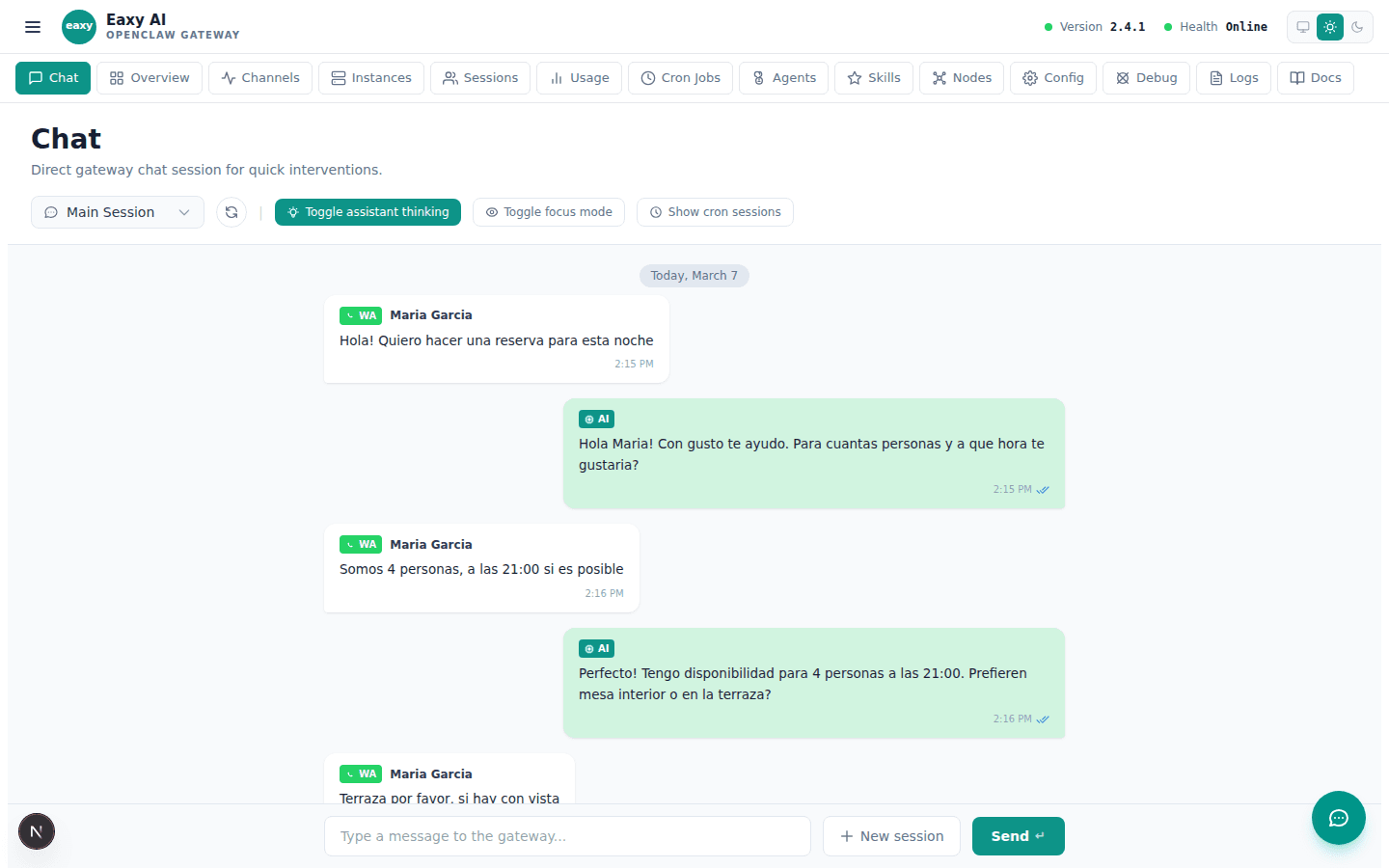
The ordering flow starts when a customer sends a message indicating they want to order. Eaxy detects the intent and presents the menu in a structured, easy-to-navigate format. Instead of dumping a full PDF menu into the chat, the assistant asks what category the customer is interested in — appetizers, mains, drinks, desserts — and presents options in small, digestible groups. When the customer selects an item, the assistant asks about relevant modifiers: size, cooking preferences, extra toppings, or allergen considerations. Each selection is confirmed before moving on, which prevents the common problem of orders arriving at the kitchen with missing details. Once all items are selected, the assistant presents a clear order summary including item names, quantities, modifiers, and the calculated total. The customer can add more items, remove something, or confirm. After confirmation, the assistant collects delivery information if needed — address, estimated delivery window preference, and any gate codes or special instructions. The completed order is then routed to the kitchen display system, POS, or directly to a team WhatsApp group depending on the business setup. Payment can be handled inline through a payment link or marked for cash on delivery. The entire flow typically takes under three minutes for a standard order.
Capabilities
Handling edge cases and peak hours
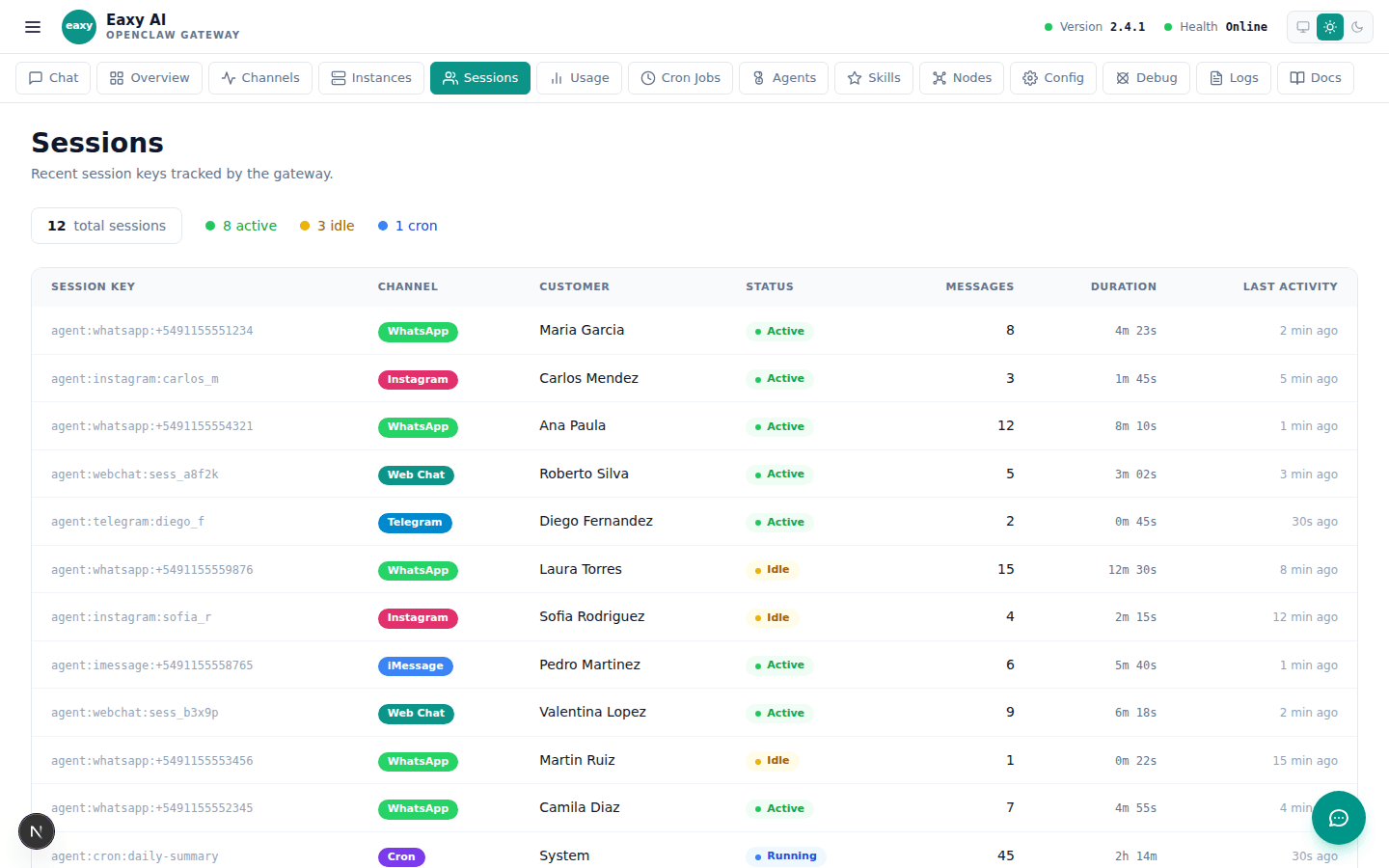
Real-world ordering is messy. Customers change their minds mid-order, ask for items that are out of stock, request substitutions, or send voice messages instead of text. Eaxy is designed to handle these situations gracefully rather than breaking the flow. When a customer asks to modify an in-progress order, the assistant updates the running total and confirms the change. If an item is unavailable, the assistant suggests alternatives from the same category and explains why the original item cannot be fulfilled. For businesses that experience predictable rush periods — lunch hour, dinner service, weekend brunch — Eaxy can automatically adjust estimated delivery times and manage customer expectations proactively. Instead of promising a thirty-minute delivery during a peak period when the real time is closer to fifty minutes, the assistant communicates realistic estimates upfront. This prevents the frustration that comes from broken delivery promises. The assistant also handles multiple simultaneous conversations without degradation in quality or speed. While a human team member might manage two or three WhatsApp conversations at once during a rush, the AI can handle dozens without mixing up orders or forgetting details. For complex situations that fall outside the configured rules — large catering orders, custom menu requests, or complaints about previous orders — the assistant escalates to a human with full context so the team member can pick up the conversation without asking the customer to repeat themselves.