Melhor encaixe
Times comparando opções e decidindo o que deve fazer parte do setup na Eaxy.
Use screenshots de vários setores
Mostre exemplos de suporte, leads e agendamento
Conecte visuais com templates compráveis
Um atalho visual para setups buyer-ready de suporte, leads e agendamento.
Clear
próximo passo de compra
Managed
enquadramento de setup
Human
handoff humano visível
Melhor encaixe
Screenshots
Templates deixam o produto mais concreto. Uma galeria visual deixa os templates ainda mais reais.
Screenshots
Vincule cada screenshot a um template, capacidade ou tutorial para que a galeria faça parte do sistema de aprendizado e venda.
Screenshots



Uma configuração de suporte pronta para compra que agrupa as skills, canais e escalonamento certos.
Uma configuração focada em conversão que qualifica a demanda antes de o time gastar tempo nela.
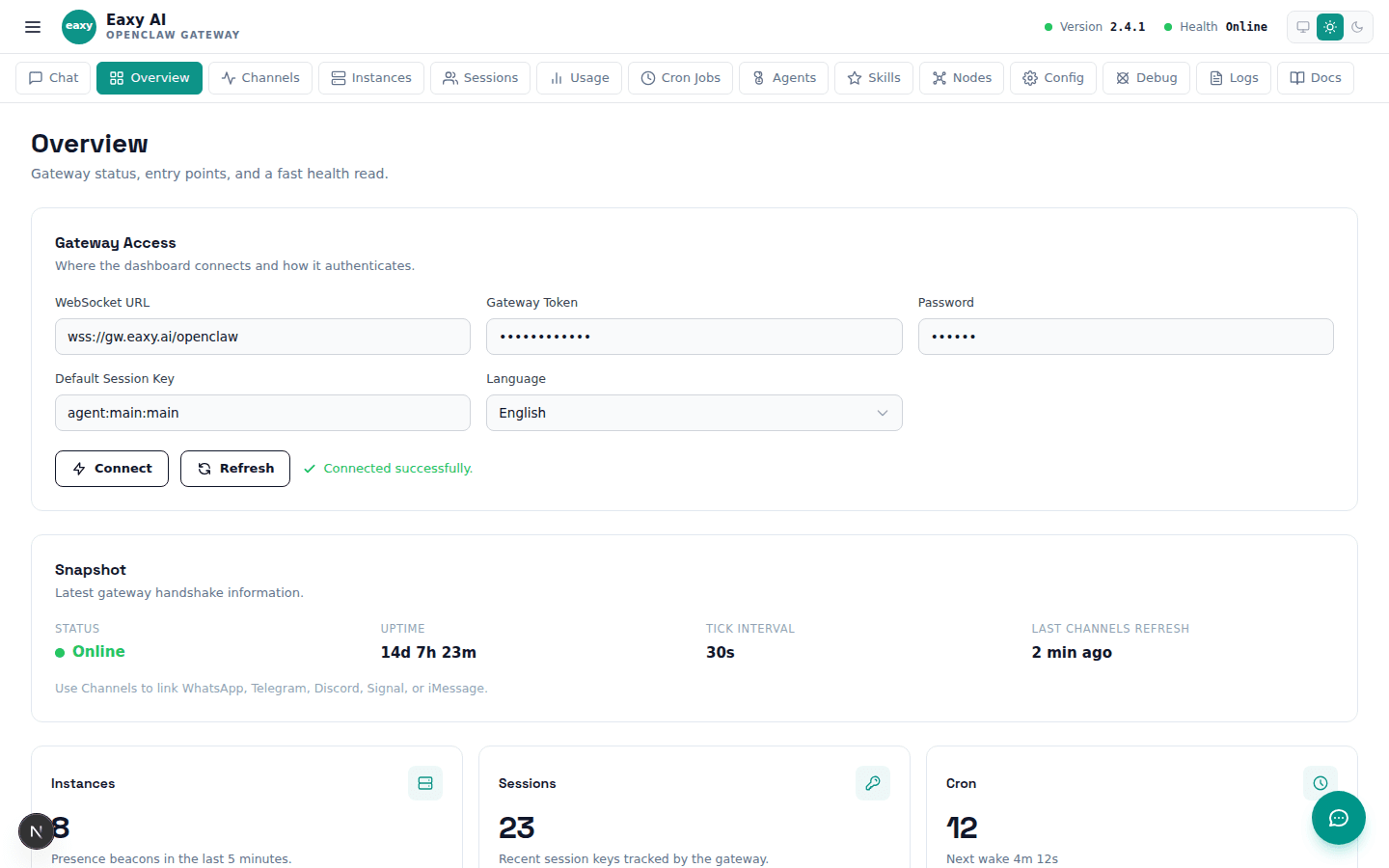
Uma página visual que transforma copy abstrato em prova concreta de UI.
Use a página da School como camada de decisão e deixe a Eaxy cuidar do setup operacional e do lançamento.
Use a página acima para avaliar o encaixe. Use o CTA abaixo quando quiser que a Eaxy cuide do rollout.